What Engineering Teams Should Expect From an Incident Management Tool in 2026

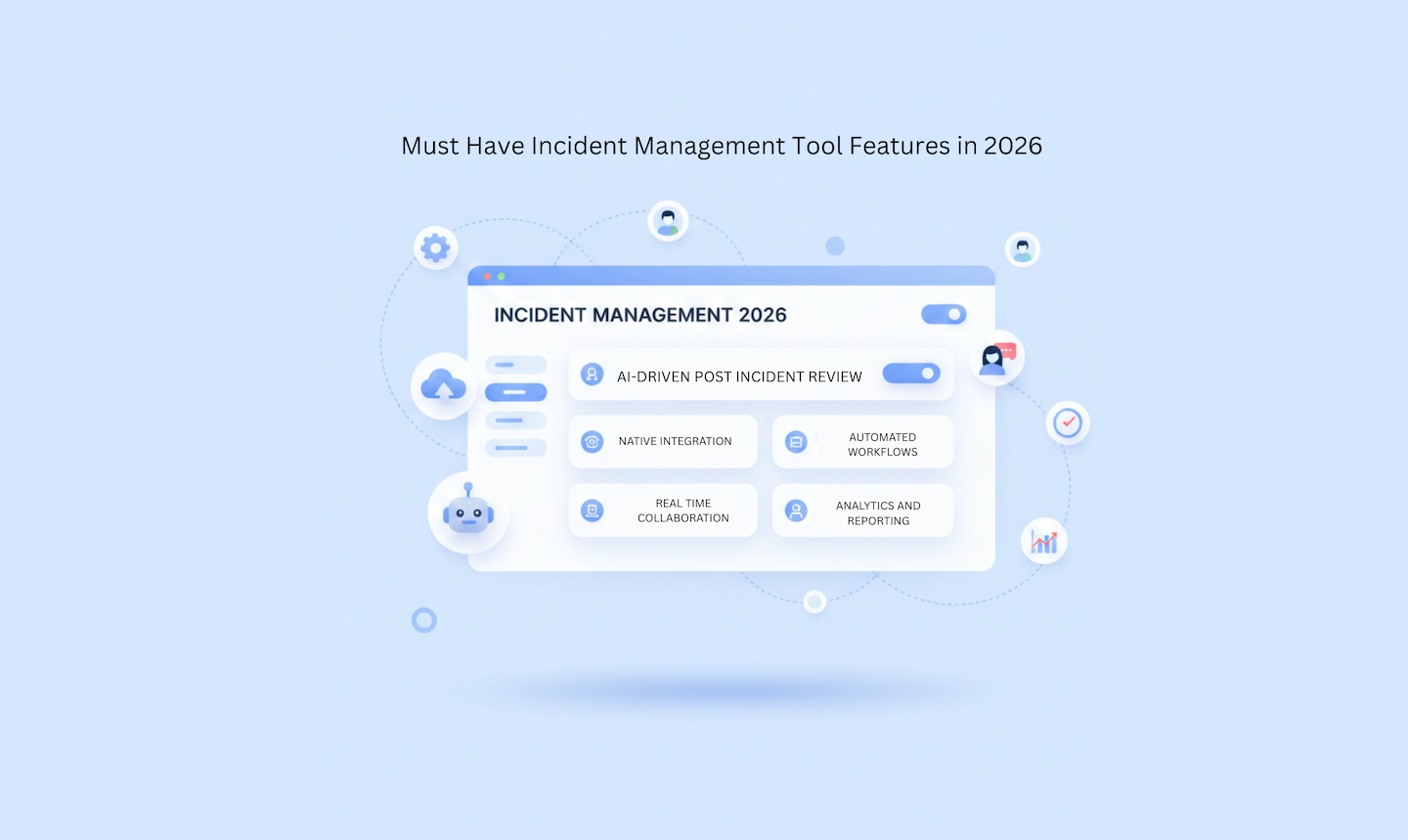
2025 was the year incident management stopped being treated like a background IT function and started getting recognized as a core business concern. That shift happened for a simple reason: the cost of getting it wrong became impossible to ignore.
High-impact outages now cost organizations up to $2 million per hour, according to New Relic’s 2025 Observability Forecast Report. Even lower-severity incidents create compounding costs: engineering time, customer churn risk, support volume, and the organizational drag of teams that never fully close the loop on what caused the problem.
The market reflects this urgency. The Incident Response Services market is projected to grow from $35.4 billion in 2024 to $157 billion by 2033 at a 17.08% CAGR, according to IMARC Group. That’s not a niche market emerging from DevOps enthusiasm. That’s a signal that incident management is becoming core business infrastructure, right alongside security and data governance.
The difference between prepared teams and those that aren’t is visible in real incidents: prepared teams have clear escalation paths, practiced workflows, and tools that enforce consistency under pressure. Unprepared teams scramble, watch small problems become outages, and then struggle to learn from what happened because the data was never captured cleanly.
If you’re evaluating incident management tools in 2026, especially for Jira-based engineering teams, here’s what you should actually expect. For a practical feature breakdown, see how to choose the right incident management tool.
What is Incident Management?
Incident management is the structured process of quickly responding to unplanned disruptions in IT services: identifying the issue, containing the damage, restoring normal operations, and learning from what happened through a post-incident review.
A modern incident management tool supports this process end-to-end, from declaration to the moment learning becomes action. Tools that only handle alerting and tracking miss the part that makes teams genuinely better over time: structured, accountable follow-through. The difference between a tool that reduces MTTR by 20% and one that enables a team to improve reliability quarter-over-quarter is usually in the post-incident infrastructure.
There are three failure modes that distinguish teams with mature incident management from those still improvising:
Delayed declaration: Engineers hesitate to escalate because the cost of a false alarm feels high. Small issues become major outages.
Coordination breakdown: Unclear roles and fragmented communication tools mean everyone is working but no one is coordinating.
No learning loop: Without structured post-incident reviews, teams move on and repeat the same failures. The incidents that should make the system stronger instead just get absorbed.
The best tools in 2026 address all three. Here’s what to expect from each.
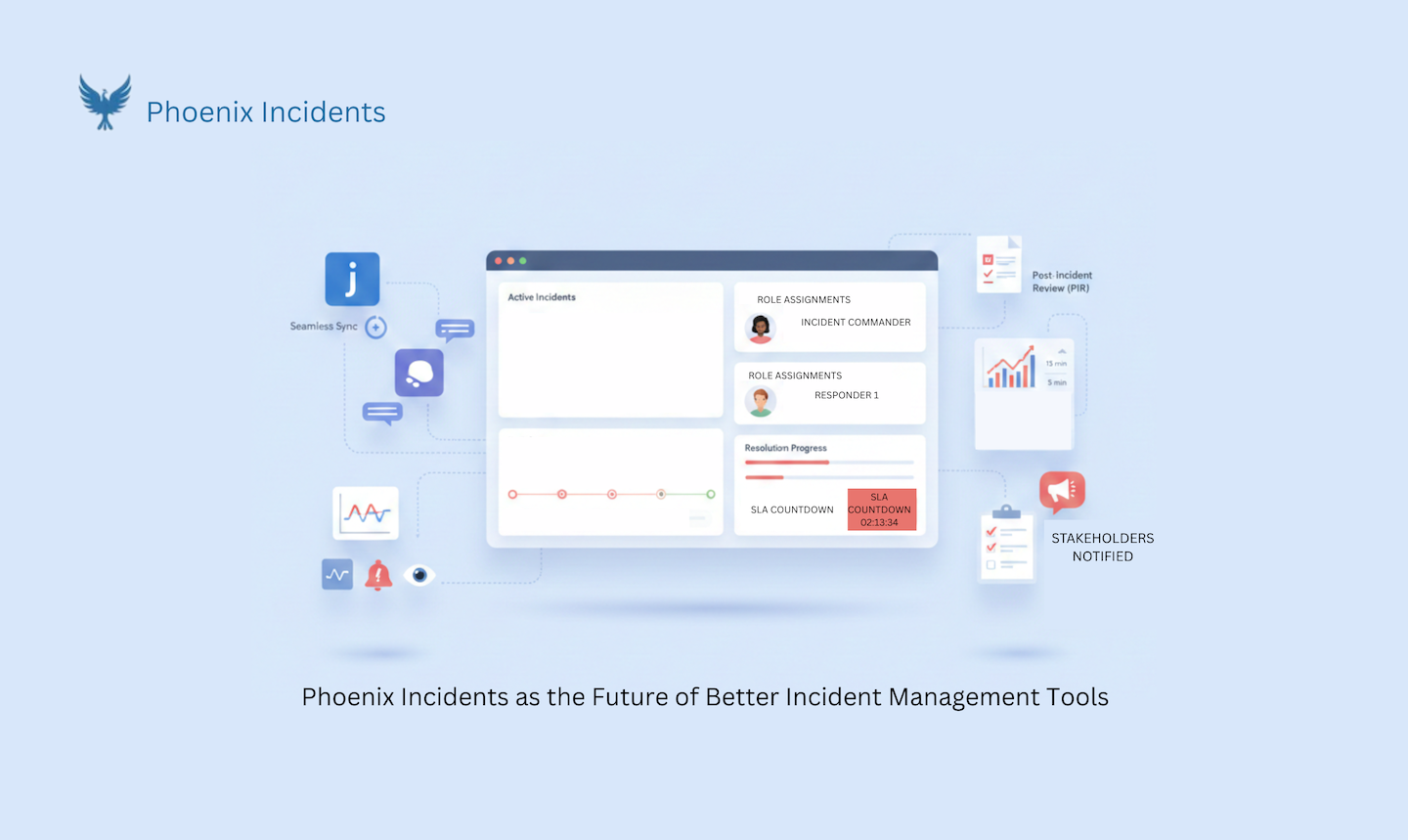
The 8 Things to Expect From an Incident Management Tool in 2026
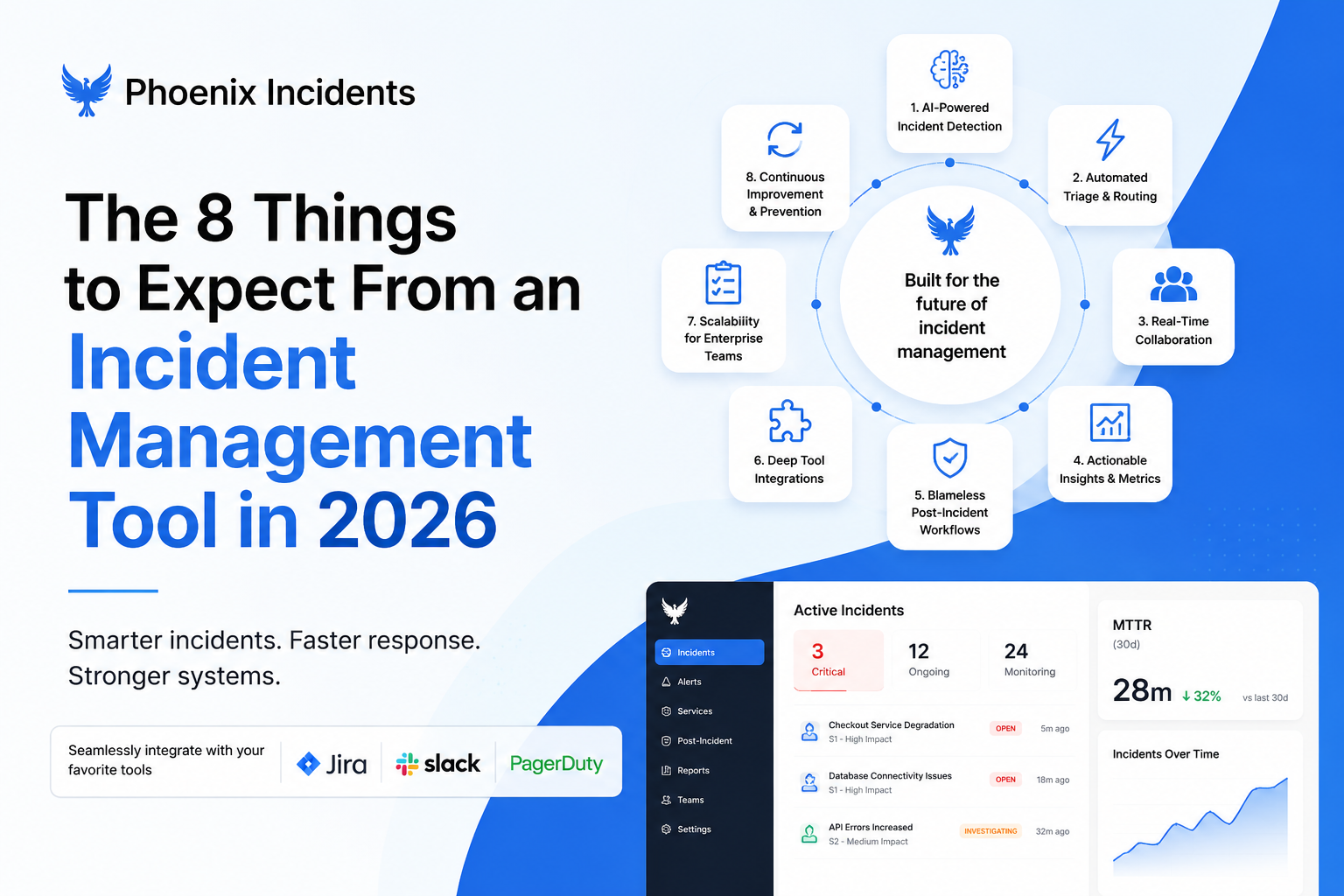
1. Native Integration With Your Existing Stack
A good tool in 2026 doesn’t ask your engineers to adopt another platform. It lives inside the tools they already use: Jira, Slack, Teams, PagerDuty, and makes those environments smarter. Context-switching during incidents isn’t just annoying, it’s measurably costly. Research on context switching in incident response shows that moving between tools creates lag, missed updates, and coordination gaps that directly extend resolution time.
What native integration looks like in practice:
- Incident records created directly inside Jira, not in a separate system that requires manual sync
- Slack channels that stay automatically updated from the incident record, not the reverse
- PagerDuty or OpsGenie integration that routes alerts into the workflow without requiring manual translation
- MS Teams support for organizations that don’t use Slack
The test is simple: during an incident, how many interfaces does an engineer need to open to get a complete picture? The answer should be one.
2. Psychological Safety Built Into the Workflow
Teams talk about blameless culture, but tools often undermine it. If declaring an incident feels like opening an investigation, engineers wait, and waiting converts recoverable problems into outages. The tool design itself sends a signal about how escalation is treated.
The best tools make early escalation feel safe through structural design choices, not just policy statements:
Cancelled incidents are treated as calibration data, not mistakes, and the tool captures the reason for cancellation rather than just closing the record
No friction is added to incident declaration that would discourage it (no multi-step approval flows, no mandatory fields that take 5 minutes to fill out)
The workflow makes it easier to declare and cancel than to skip declaration entirely
A single design choice, treating cancelled incidents as valuable signal, changes how engineers behave under pressure across the entire organization.
3. Structured Process That Reduces Cognitive Load
During an incident, engineers shouldn’t have to remember what comes next. The cognitive load of managing the process competes with the cognitive load of solving the problem, and under pressure, one of them loses.
The tool should carry the process: prompting for the right information at the right time, clarifying ownership, triggering SLA-based reminders, and preventing anything from getting stuck silently. This means:
- Role assignment prompts at incident start (incident lead, communications lead, technical responders)
- Automatic escalation reminders when incidents haven’t been acknowledged within SLA thresholds
- Workflow stage enforcement that prevents incidents from moving to resolution without completing required steps
- Timeline capture that happens automatically from incident activity, not from memory after the fact
Teams that have to manually remember their incident process are at a disadvantage to teams whose tool enforces it. See engineering incident management best practices for a detailed breakdown of the structural practices that make the biggest difference.
4. Real-Time Communication Coordination
Incidents require coordinated communication across multiple teams simultaneously. On-call engineers, secondary responders, product owners, executive stakeholders, each needs a different level of detail, delivered through different channels, on a different cadence. Managing all of that manually while also working on the actual problem is unsustainable.
A good tool creates dedicated incident channels automatically, pushes stakeholder updates without requiring responders to switch contexts, and maintains a single source of truth that everyone trusts. Specifically:
- Dedicated Slack channels created automatically at incident declaration with the right people added immediately
- Templated stakeholder update formats that can be sent with minimal effort from the communications lead
- A status page or shared dashboard that stakeholders can check without interrupting responders
- Automatic updates to the incident record as Slack communication happens, no manual transcription
See the major incident communication template for practical structure on stakeholder communication during active incidents.
5. Guided Post-Incident Review (PIR) Workflow
The learning happens after the resolution, if the tool actually supports it. Post-incident reviews that get skipped are almost always ones that require manual setup, have no clear format, and aren’t tied to action items that get tracked. See why post-mortems fail for the structural reasons behind this pattern.
Look for tools that:
- Build timelines from real incident activity rather than requiring manual reconstruction from memory or Slack scroll
- Use structured frameworks like the 5 Whys for root cause analysis, built into the review workflow
- Turn insights into tracked action items assigned to named owners with due dates
- Make PIR completion a required step before an incident is fully closed
- Provide templates that make the review feel structured rather than open-ended
Without this structure, post-mortems fail, and repeat incidents follow. The PIR is where the system either learns or doesn’t.
6. Action Item Tracking and Enforcement
Creating action items during a PIR is easy. Actually completing them is the hard part. In most organizations, PIR action items go into a backlog, get deprioritized against new feature work, and quietly disappear. The incident that should have driven a systemic improvement instead just gets a note in a document no one reads.
The best tools keep action items linked to the original incident (so the context is always available), send proactive reminders when they’re overdue, and prevent incidents from being marked fully resolved until mitigation steps are complete. This creates accountability without requiring manual follow-up from an incident manager.
- Action items linked to the specific incident that generated them, not floating in a disconnected task list
- Automated reminders when action items approach or pass their due dates
- Dashboard visibility into action item completion rates across the team
- Escalation paths for action items that are chronically overdue
7. Executive-Ready Analytics and Reporting
Leadership needs visibility into incident trends, not just individual outage reports. A single incident is a data point. A pattern across 20 incidents is a systemic signal that should drive investment. Tools should provide dashboards that make those patterns visible to people who aren’t reading every PIR.
Expect:
- MTTR (Mean Time to Recovery) trends over time, broken down by severity and service
- MTTA (Mean Time to Acknowledge) analysis to identify on-call gaps and alert fatigue
- Incident volume by severity, product area, and time period
- Action item completion rates that show whether the learning loop is actually closing
- Recurring root cause analysis that surfaces systemic patterns
Note: Throughout Phoenix Incidents’ blog and product, MTTR refers to Mean Time to Recovery, the time from incident detection to full service restoration. This is the most widely used industry definition and aligns with how most SRE and DevOps teams track resolution performance.
See incident KPI best practices for a detailed breakdown of which metrics to track and how to present them to leadership.
8. Severity-Based SLAs and Automated Reminders
Not all incidents are equal. A SEV1 that’s taking down production for all customers needs to move every few minutes. A SEV3 affecting a small subset of users can afford more time at each stage. Tools should support configurable SLAs based on severity levels and send automated reminders at each workflow stage.
- SEV1 (Critical): Acknowledgment within 5 minutes; status updates every 15 minutes; escalation if no update in 10 minutes
- SEV2 (High): Acknowledgment within 15 minutes; status updates every 30 minutes
- SEV3 (Medium): Acknowledgment within 60 minutes; status updates every 2 hours
High-severity incidents need to move fast; lower-severity ones shouldn’t fall through the cracks. Automated reminders at each stage mean the incident lead doesn’t have to manually track every active incident, the tool does it.
The Evaluation Checklist
When assessing tools against these eight expectations, use this checklist. Every item should be demonstrable:
| Category | Question to Ask | Why It Matters | Signs of a Weak Answer | |||
|---|---|---|---|---|---|---|
| Integration | Does it work inside our existing tools without context-switching? | Eliminates the interface overhead that slows teams during incidents | "We integrate with Jira" but the workflow still lives in a separate UI | |||
| Process | Does it enforce a consistent incident workflow, or just enable one? | Prevents improvisation and missed steps when pressure is highest | The workflow is documented but not enforced; steps can be skipped | |||
| Communication | Does it automatically sync stakeholder updates? | Frees responders from status management so they can focus on resolution | Updates must be manually sent to each channel separately | |||
| Psychological safety | Does it treat cancelled incidents as data rather than failures? | Prevents delayed declaration, which converts recoverable problems into outages | No cancellation tracking; false alarms just disappear from the record | |||
| Learning | Does it guide structured PIRs with tracked action items? | Closes the improvement loop after every incident | PIR is a free-form notes field; action items live in a separate system | |||
| Visibility | Can leadership see incident trends and patterns over time? | Enables data-driven reliability investment and surfaces systemic issues | Only individual incident reports; no trend analysis or aggregated metrics | |||
| Culture | Does it make early escalation feel safe and procedural? | The tool design shapes engineer behavior during high-stress moments | Declaration requires approval flows or extensive mandatory fields | |||
| SLAs | Does it support severity-based SLAs with automated reminders? | Different severities need different response speeds; automation enforces this | SLAs are tracked manually or not at all |
What These Expectations Look Like in Practice
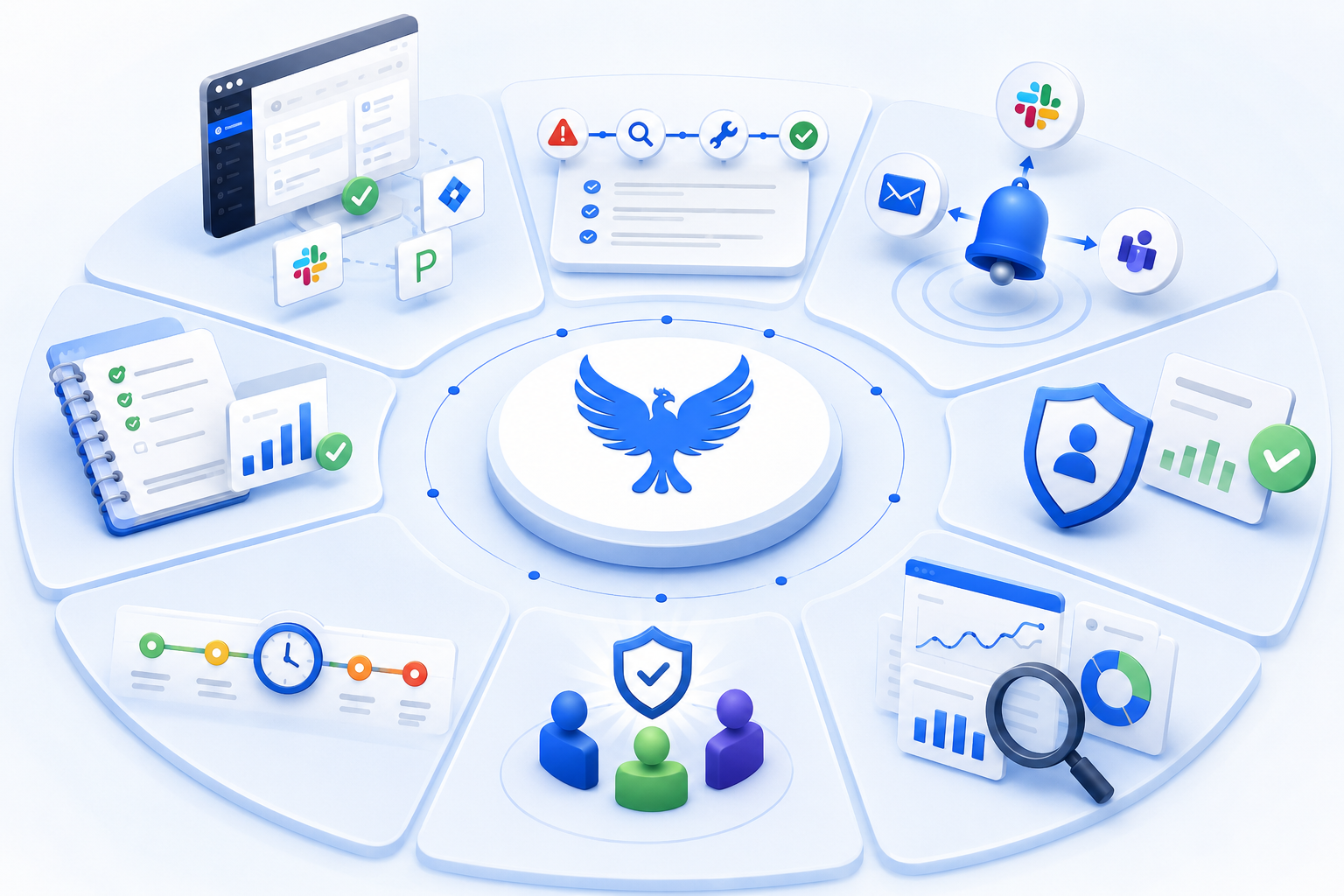
Not every team will implement all eight expectations simultaneously. Here’s a very useful staging framework:
| Stage | Priority Expectations | What to Implement Next | |||
|---|---|---|---|---|---|
| Starting out (reactive) | Native integration, structured workflow, explicit roles | Communication coordination, PIR workflow | |||
| Developing (defined) | PIR workflow, action item tracking, SLA enforcement | Analytics and reporting, psychological safety design | |||
| Established (managed) | All of the above, plus executive analytics and recurring root cause analysis | Continuous calibration of alert thresholds from false alarm data | |||
| Optimizing | All eight expectations in place; focus on compounding improvements from PIR data | Predictive analytics; proactive reliability investment based on incident patterns |
How Phoenix Incidents Delivers These Expectations
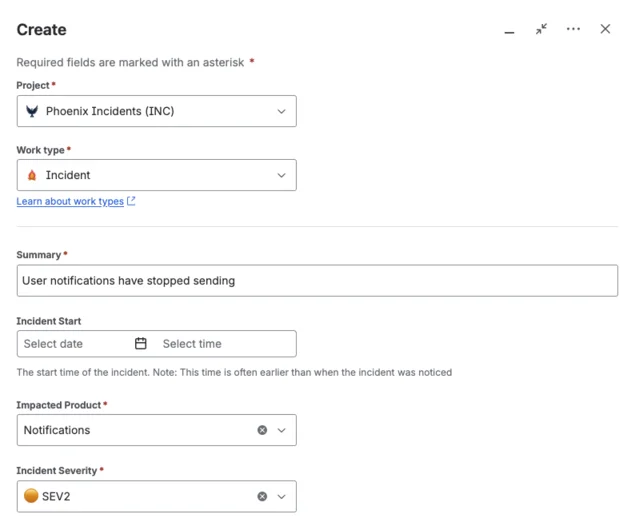
Phoenix Incidents was built around a specific insight: teams don’t struggle during incidents because they lack monitoring. They struggle because coordinating across people, tools, and timelines creates chaos that compounds the technical problem. By living inside Jira and Slack rather than alongside them, Phoenix Incidents demonstrates how these expectations work in practice:
- Native integration: incident process enforced without pulling engineers into another interface
- Real-time coordination: Jira stays automatically updated as Slack communication happens, maintaining a single source of truth
- Guided learning: structured PIRs with built-in 5 Whys and automatic timeline reconstruction, see how to run a PIR for the framework
- Action item enforcement: reminders and dashboards track follow-ups until completion, with links back to the originating incident
- Psychological safety: cancelled incidents are treated as calibration signals, not failures, see blameless post-mortem culture for the cultural foundation this supports
- Executive visibility: MTTR (Mean Time to Recovery), MTTA, action item rates, and recurring root causes in one dashboard, see incident KPI best practices for how to use these metrics
It’s best for engineering teams already working in Jira and Slack who want incident management that enforces best practices automatically, without adding another tool to learn or maintain.
Frequently Asked Questions
1. What should an incident management tool do in 2026?
An incident management tool should help teams respond faster, coordinate effectively, and learn from every incident. Look for features like Jira and Slack integrations, structured workflows, intelligent alerting, post-incident reviews, and reporting that helps improve future response efforts.
2. How much do IT outages cost in 2026?
The cost of downtime varies, but high-impact outages can cost up to $2 million per hour. The total impact depends on factors like industry, incident severity, and duration, with e-commerce and financial services often seeing the highest costs.
3. What is MTTR?
MTTR (Mean Time to Recovery) measures the average time it takes to restore a service after an incident occurs. It's one of the most important reliability metrics because it shows how quickly your team can recover and minimize customer impact.
4. What's the difference between MTTR and MTTA?
MTTA (Mean Time to Acknowledge) measures how quickly someone responds to an alert, while MTTR (Mean Time to Recovery) measures how long it takes to fully resolve the incident. Together, they help teams understand where delays are happening in the response process.
5. Is the incident management market growing?
Yes. The market is growing rapidly as organizations face increasing system complexity, higher customer expectations, and rising downtime costs. This growth is driving innovation and giving teams more options when choosing incident management tools.
6. How do you build psychological safety in incident management?
Start by making escalation easy and blameless. Clear escalation criteria, blameless post-incident reviews, and a culture that rewards early reporting help engineers raise issues quickly instead of hesitating when something looks wrong.
7. How often should we run post-incident reviews?
Ideally, after every incident. Even smaller incidents can reveal process gaps or recurring issues, and reviewing them consistently helps teams improve over time.
8. What's the difference between incident management and observability tools?
Observability tools help teams detect and diagnose issues. Incident management tools help teams coordinate the response, communicate status, and capture lessons learned. Most modern teams use both as part of their reliability strategy.