Phoenix Incidents vs incident.io: Which Fits a Jira-Native Incident Workflow?

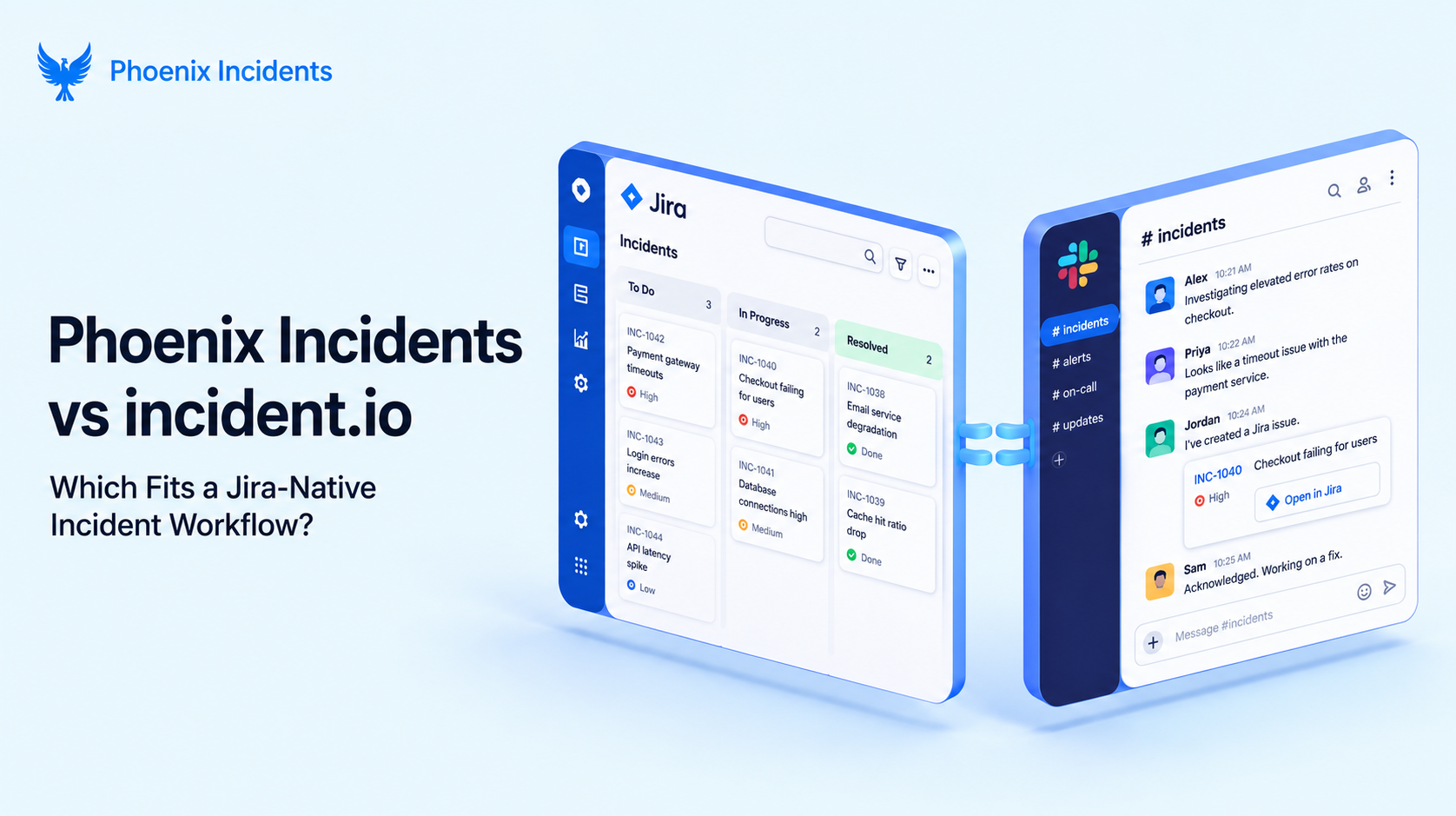
Phoenix Incidents and incident.io both promise to make incidents less painful, but they solve the problem from completely different angles.
incident.io is a standalone, Slack-native platform priced from $19 to $45 per user a month depending on tier, built to own alerting, on-call, and incident response in one place.
While Phoenix Incidents runs inside Jira and Slack for roughly $4 per user a month, coordinating the incident work your engineering team already tracks in Jira rather than replacing it with a second system.
If your team already lives in Jira and doesn't want another platform holding a separate copy of the truth, Phoenix fits.
But if you'd rather have one dedicated tool to own the whole incident lifecycle end to end, including alerting and on-call that are shipped and working today, incident.io is the more complete option.
Phoenix Incidents vs incident.io
Phoenix Alerts is coming soon.
It will complement Phoenix Incidents with native paging, including on-call scheduling, alert routing, and escalation policies built directly into the platform.
| Category | Feature | incident.io | Phoenix Incidents |
|---|---|---|---|
| Alerting | Native alert integrations (Datadog, Grafana, Prometheus, and similar) | Yes | No |
| On-call | On-call scheduling and rotations | Yes | Coming soon, under "Phoenix Alerts" |
| Incident response | Slack native, run end to end without leaving Slack | Yes | YesMid-incident actions like: “Suggest With AI”, /phoenix recap, and “timeline tagging” happen in Slack.While RCA and “Executive Summary” work happens in Jira |
| Real time incident timeline | Yes, built automatically as the incident runs | “Timeline tagging” captures messages when someone reacts with the watch (⌚) emoji.This automatically signals Phoenix to bookmark that moment and log it into the incident timeline | |
| Automated stakeholder updates | Manual "notify stakeholders" button | “Suggest With AI” drafts the update from chat context in one click, though the incident commander still reviews and sends it | |
| Mid incident AI recap for late responders | No | Yes/phoenix recap returns an instant AI summary right in the Slack channel | |
| Post-incident | AI generated post-incident review | Available on Pro and Enterprise tiers | Yes“Executive Summary” turns a completed RCA into a non technical briefing.It summarizes a finished RCA rather than drafting the write up from scratch |
| Structured sign-off before closing | No | Yes“RCA Review Status” keeps a completed write up editable for compliance or leadership sign-off, without reopening the incident or messing up the metrics | |
| Insights and analytics | Included on Pro and Enterprise tiers | Yes“Lifecycle charts” break MTTR into Detect, Ack, Verify, Fix, and Monitor stages, by product, and show medians and distributions instead of a single average |
That's the quick comparison. Below is a more in-depth look at the differences, focused on where each feature actually lives and why.
Where the Two Approaches Actually Differ
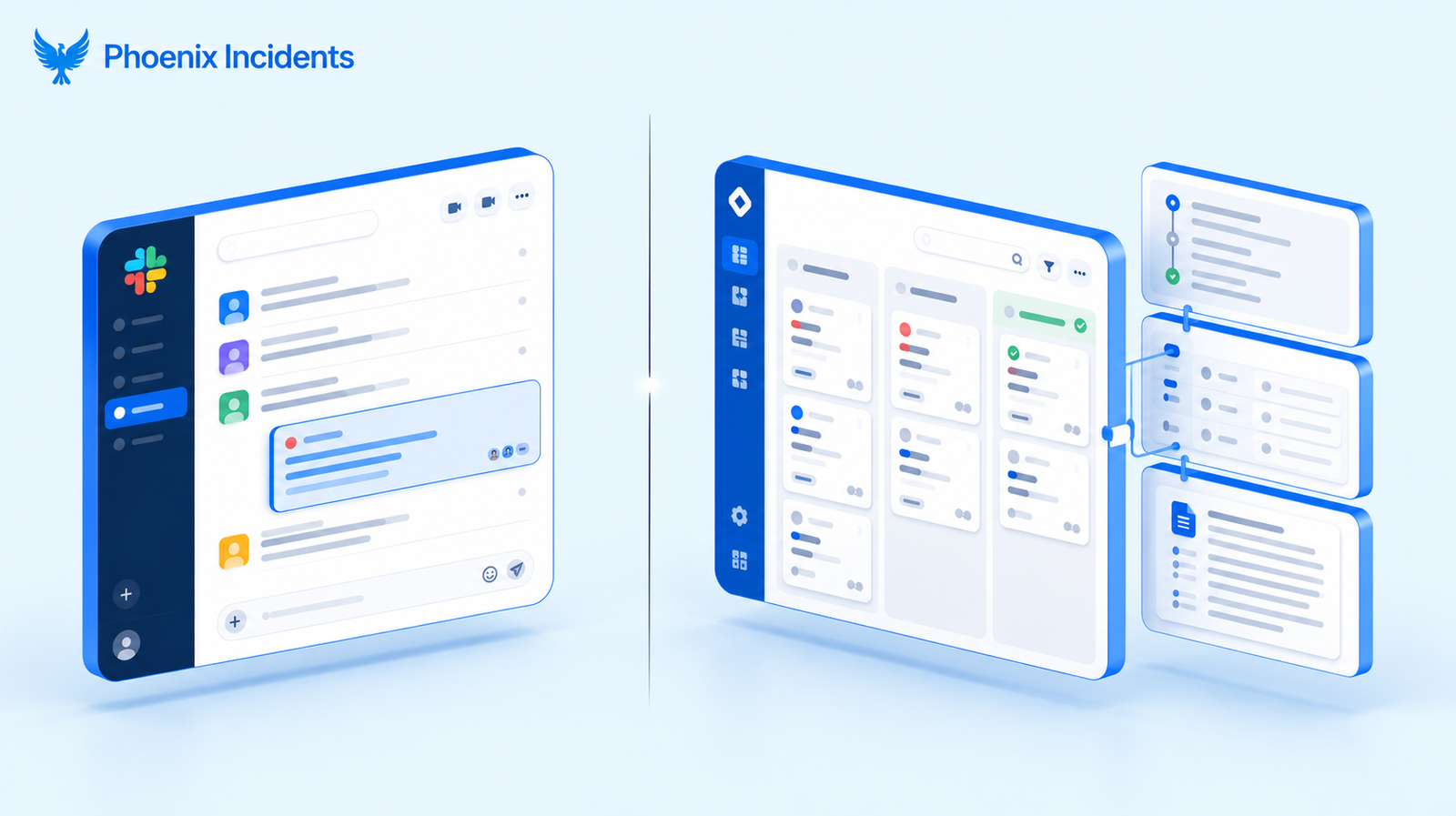
1. Running Incidents in Slack vs Running Them in Jira
incident.io treats Slack as the incident's home base. Declaring an incident, assigning roles, posting updates, and resolving it all happen through Slack commands and modals.
And the record lives in incident.io's own system behind the scenes. It's a fast, focused experience if your team already thinks in Slack channels and doesn't want to open another tab mid-incident.
Phoenix Incidents, however, splits the work differently, based on where it naturally happens rather than forcing everything into one channel:
- In Slack: The reactive parts of an incident, like recapping what's known so far or flagging a critical message for the timeline, happen right where engineers already are
- In Jira: The structured parts, like the RCA and the formal record of what happened, live next to the engineering work that caused the problem or will fix it
Neither approach is wrong. The real question is whether you want the incident record living where the code and tickets already do, or inside a separate tool built specifically for incidents.
2. A Second System of Record vs One Source of Truth
- incident.io is its own system of record. Incident data, timelines, and reports all live inside incident.io, and teams that want that information connected back to Jira issues usually set up an integration to keep the two in sync, which is one more thing to maintain over time.
- Phoenix Incidents skips that step entirely. The incident, its RCA, and its follow-up work are Jira issues from the moment they're created, so there's nothing to sync.
That's the real benefit: nothing to reconcile later when someone asks why the incident count in one tool doesn't match the ticket count in another (due to lack of maintenance of the integration).
3. Automatic Timeline Capture vs Lightweight Timeline Tagging
- incident.io builds its timeline automatically from the actions taken inside the product itself: declaring the incident, assigning roles, posting a status update. It's thorough because the entire workflow runs through one system, so there's very little for the timeline to miss.
- Phoenix Incidents works differently. When something worth remembering happens in a fast moving Slack thread, an engineer reacts to that message with an emoji, and Phoenix logs it to the incident timeline with its exact timestamp.
It's a lighter touch, quicker for capturing the handful of messages that actually matter in a noisy channel, but it depends on someone doing the tagging rather than capturing every action on its own.
If a fully automatic, hands off timeline matters more to your team than speed and simplicity, incident.io's approach has the edge here.
4. Standalone Post Mortems vs Jira-Native RCA and Executive Summaries
- incident.io's AI generated post-incident reviews, available on its Pro and Enterprise tiers, summarize the incident data already captured inside the product, generating the write up from a blank page.
- Phoenix Incidents takes a narrower but Jira-native path instead. Once the engineering team finishes the RCA inside Jira, ‘Executive Summary’ turns that completed analysis into a clear, non-technical briefing for leadership.
And ‘RCA Review Status’ lets compliance or leadership sign-off on it without reopening the incident or throwing off the metrics.
Phoenix isn't generating the write-up from scratch the way incident.io's higher tiers do. It's taking the RCA your team already wrote in Jira and adding two things on top: an easier way to share it with leadership, and a formal way to sign-off on it without reopening the incident.
Pricing: incident.io vs Phoenix Incidents
incident.io publishes its pricing directly on its pricing page, with per-seat-rates that climb as you move up tiers and add on-call.
While Phoenix Incidents pricing is on Atlassian’s marketplace along with its install.
incident.io pricing
| Plan | Base price (per user / month) | With on-call add-on | Notable additions |
|---|---|---|---|
| Free | $0 | Single team on-call included | Status page, essential automation |
| Team | $19 monthly, or $15 billed annually | +$10 per user | Core incident response |
| Pro | $25 | +$20 per user$45 all in | Advanced insights, custom dashboards |
| Enterprise | Custom, ~$50 | Custom | SAML, SCIM, multiple status page environments |
Phoenix Incidents prices very differently. Rather than a per-seat-rate that climbs as you add on-call and advanced features, Phoenix runs $40 a month for 10 users, which works out to roughly $4 per user a month on average.
The two models aren't really comparable line for line, since incident.io is pricing a full standalone platform including alerting and on-call, while Phoenix is pricing a coordination layer on top of tools you're likely already paying for elsewhere.
The more useful question before adoption is whether your team wants to pay for a complete second platform, or wants to spend less to keep the incident work inside the Jira and Slack setup you've already invested in.
What Adoption Looks Like for a Jira Team
incident.io is a full standalone platform, so bringing it in means setting up its own workspace, connecting your alerting sources, building out on-call schedules, and deciding how much of that work happens inside incident.io versus your existing tools.
Phoenix Incidents starts from the other direction. Since it's built on Jira and Slack, adopting it means installing it into an environment your team already uses every day rather than standing up a new one. There's no second workspace to configure and no new login for engineers to remember.
Choose incident.io If...
- You want one standalone, Slack native platform to own alerting, on-call, and incident response end to end
- Your team doesn't have a deep existing investment in Jira, or doesn't want incidents to live there
- You need native on-call scheduling and escalation policies working right now
- You're comfortable with a per seat price that scales with team size and feature tier
- A fully automatic incident timeline, with no manual tagging required, matters more to you than a lighter approach
Choose Phoenix Incidents If...
- Your engineering team already lives in Jira and Slack day to day
- You don't want incident data sitting in a system separate from the tickets and code it relates to
- You'd rather pay a flat, predictable rate than a per seat price that grows with on-call and advanced tiers
- A Jira-native RCA process, with stage-by-stage MTTR tracking, matters more than having native alerting and on-call built in today
- You're comfortable handling on-call through your current tools while Phoenix Alerts finishes rolling out
So, Which Tool Fits Your Workflow?
If incident response lives in Slack for you and you want alerting and on-call owned by one dedicated platform, incident.io is a well built choice.
If your engineering work already runs through Jira and you'd rather not stand up a second system of record to sit beside it, Phoenix Incidents keeps incidents, RCAs, and follow-up work in the place your team already trusts.
Now, if that second description sounds like your team, the fastest way to see whether Phoenix fits is to watch it run inside a Jira and Slack setup like your own.
Book a demo with Phoenix Incidents and we'll walk through it with your workflow in mind.
Frequently Asked Questions
1. What is Phoenix Incidents used for?
Phoenix Incidents runs incident management inside Jira and Slack. It turns incidents into Jira issues from the start, so the RCA, timeline, and follow-up work sit right next to the engineering work that caused them, instead of living in a separate tool.
2. Does Phoenix Incidents replace Jira, or work inside it?
It works inside Jira. Jira on its own has no RCA process, no MTTR tracking, and no incident workflow. Phoenix adds that layer on top, so incidents are Jira issues, not records in a separate system you have to keep in sync.
3. Does Phoenix Incidents handle on-call and paging?
Not yet. Phoenix coordinates the response and record-keeping side inside Jira, while you keep your existing paging tool, like PagerDuty or Opsgenie, for alerts. Native paging is coming under Phoenix Alerts.
4. How is Phoenix Incidents different from a tool like incident.io?
incident.io is a standalone platform. Its incident record lives inside incident.io itself, and a Jira integration just links incidents to tickets. Phoenix flips that: the incident is a Jira issue from the moment it's created, so there's nothing to sync or reconcile later.