On-call Best Practices For Engineering Teams To Prevent Burnout

When on-call works the way it should, engineers spend their energy on the actual problem. When it doesn’t, they spend it fighting the process instead, updating Slack, tracking work in Jira, pulling in responders, and briefing stakeholders while the incident keeps moving.
Detection rarely fails these teams. It’s the response process that does. When those workflows are broken, every incident turns into chaos, and that constant chaos is one of the most reliable paths to burnout.
Burnout in incident response is usually not a single catastrophic week. But the accumulation usually leads to Incident Fatigue.
Here, we walk through the on-call best practices that keep engineering teams sustainable, and show how tightening your incident process inside the tools you already use, rather than bolting on another system, does more for on-call health than any single piece of software.
Phoenix Incidents was built around exactly that idea, living inside Jira and Slack so the process holds without adding another place to check.
Key Takeaways:
- Burnout is driven more by too many manual processes than by the technical difficulty of incidents, so fixing the workflow matters more than working harder.
- The Google SRE Workbook puts a sustainable baseline at roughly two to three actionable pages per 12-hour shift. Consistently seeing far more points to an alerting problem, not a rotation problem.
- Responding and learning consistently lowers mental load more than any single tool, because engineers stop reinventing the process during every incident.
- Centralizing coordination inside the tools engineers already use, Jira and Slack, cuts the context switching that compounds stress during a live incident.
- Treating canceled or downgraded incidents as signal rather than noise surfaces alerting problems before they burn people out.
Why On-Call Best Practices Matter for Engineering Teams
When an alert fires, the right person getting paged is only the start. What teams actually need is a repeatable, lightweight workflow that carries an incident from acknowledgment through resolution without forcing anyone to improvise under pressure.
A good workflow protects two things at the same time: the reliability of the system and the wellbeing of the people keeping it running. Lose sight of either one and the other erodes with it.
How Manual Incident Work Drives On-Call Burnout
Ask engineers what wears them down during a major production incident and the same points come up every time:
- Manually updating multiple systems, including Slack, Teams, Jira, and paging tools.
- Keeping stakeholders informed while the incident is still unfolding.
- Pulling the right responders in quickly.
- Recording what happened and when, in enough detail to be useful later.
- Writing up root causes and lessons once the dust settles.
None of these tasks is technically hard, but under pressure they stack up fast and slow the whole response down. Google's SRE practice estimates that fully handling one incident, including root-cause analysis, remediation, and follow-up work like the postmortem, takes around six hours of focused effort.
That math is why Google recommends no more than two incidents per 12-hour shift: beyond that, there simply isn't time to respond to each one properly, so the quality of the response drops and the strain on the engineer climbs. The damage is cumulative which is exactly what makes it easy to ignore until people start leaving.
What Reduces Burnout: Respond and Learn Consistently
Teams that keep on-call sustainable tend to do two things well. They respond consistently, and they learn consistently.
- Consistency in the response: Lowers the mental load because engineers are not rebuilding the process from scratch each time something breaks. The path from alert to resolution looks the same whether it’s a Tuesday afternoon or a Saturday at 3 a.m.
- Consistency in learning: Closes the loop so teams stop refighting the same fire. When postmortems produce action items that are owned and actually completed, the underlying problem gets fixed instead of resurfacing. Reviewing both resolved and canceled incidents sharpens this further, since canceled incidents often reveal where escalation criteria or alerting need tuning.
6 On-Call Best Practices Every Engineering Team Should Use
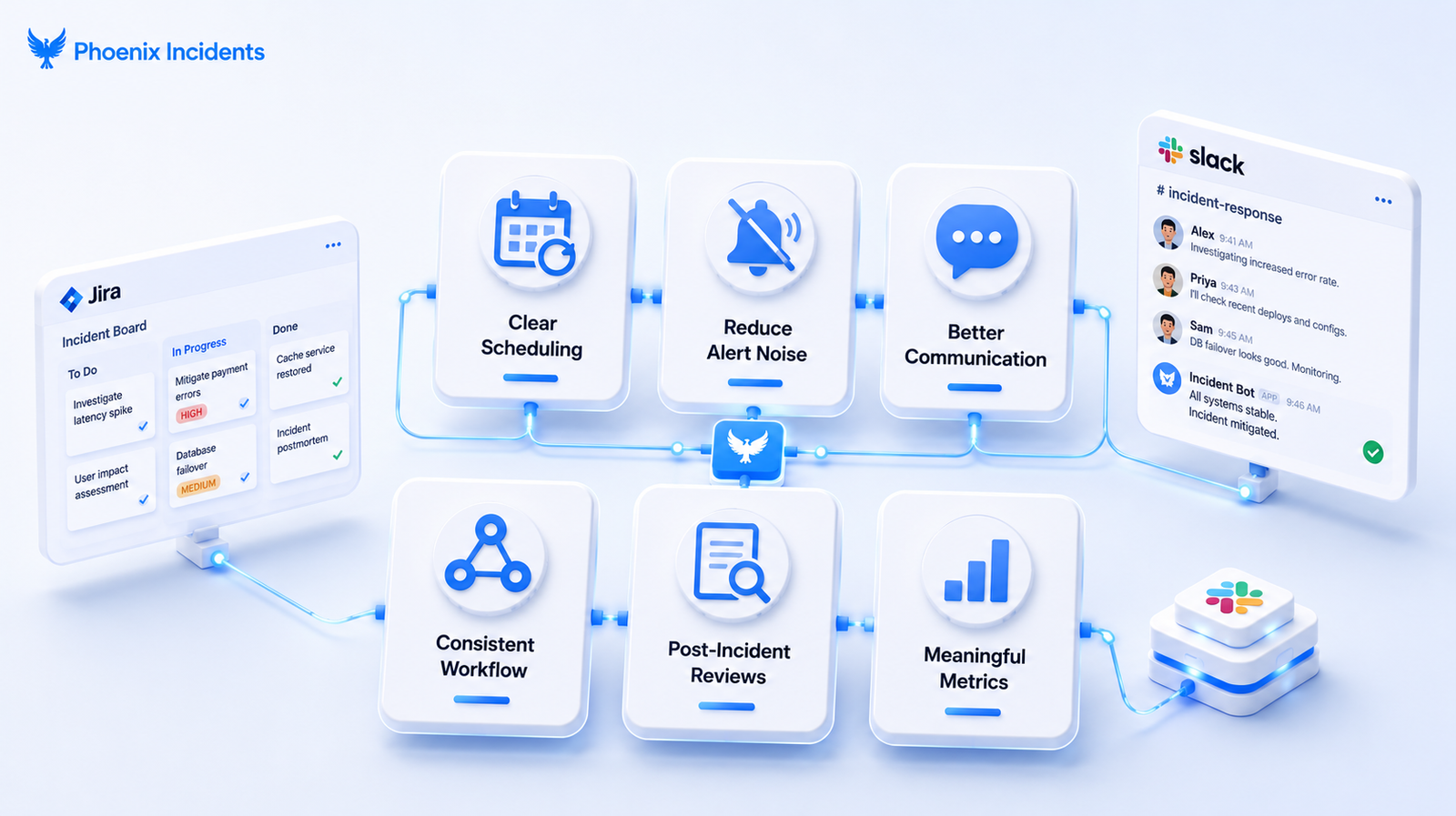
These practices support both system reliability and sustainability.
1. Establish a Clear On-Call Scheduling Structure
On-call scheduling has to balance coverage, predictability, and fairness. Everyone should know who is on call right now, who backs them up, and how escalation works before they ever need it. Engineers feel less "always on" when windows are well defined, handoffs are explicit, and the escalation path is known in advance.
The right rotation model depends on your team size, geographic spread, and how critical the services are.
Three patterns cover most teams:
| Rotation model | Best for | Watch out for |
|---|---|---|
| Weekly rotation | Small to mid-sized teams in a single time zone | A full week feels long when alert volume is high and one person holds the pager the whole time.So, set limits on how much any single engineer absorbs and name a backup. |
| Follow-the-sun | Distributed teams across three or more time zones | Requires disciplined handoffs and enough engineers in each region to hold coverage |
| Round-robin | Teams with a moderate, evenly distributed alert load | Pair it with shadow rotations so newer engineers ramp up before carrying the pager alone |
Whichever model you choose, the burnout protection comes from the same place.
Well-defined windows, explicit handoffs, and known escalation paths together stop the feeling that on-call never really ends.
2. Reduce Alert Noise, Not Just Incident Friction
Even a clean response process will burn people out if too many issues page a single person in the first place. Alert fatigue is the root cause that scheduling and tooling improvements cannot fix on their own.
- The Google SRE Workbook treats roughly two to three actionable incidents per shift as sustainable. A team consistently fielding eight to ten pages a shift doesn’t have tougher problems than everyone else, it has an alerting problem that needs an audit.
- Encourage support, customer success, and engineers to flag issues early, then review the incidents that get canceled or downgraded. Those cases show you where escalation criteria are unclear or where alerts are nudging people to react to things that did not need a response.
This is where treating cancellation as data pays off.
Phoenix Incidents lets teams cancel an incident with a reason captured at the time, and because that record stays in Jira, teams can review canceled incidents later and see clear patterns: alerts that were too noisy, situations where escalation criteria were unclear, or cases where better training would have prevented an unnecessary page.
The signal is preserved instead of being silently dropped, so improvements come from evidence rather than memory.
3. Improve On-Call Communication During an Incident
Clear communication is one of the most reliable ways to cut confusion while an incident is live. High-performing teams hold the line on a single source of truth, so responders are not scattered across five tools trying to reconstruct what is happening. Centralizing updates keeps the timeline intact and stops misinformation from spreading.
For the on-call engineer, that discipline pays off directly. It means fewer duplicate questions, less rework, and less friction with anxious stakeholders, and it removes the exhausting job of manually broadcasting the same status update in several places at once.
4. Enforce a Consistent Incident Management Workflow
Strong incident management comes down to running the same defined process every time, especially under pressure.
For teams on Slack and Jira, a reliable workflow should always:
- Begin with a clear incident creation step.
- Notify the right responders automatically.
- Open a single Slack channel for real-time coordination.
- Keep Jira, Slack, and paging tools in sync as status changes.
- Send reminders based on severity and SLA deadlines.
- Ensure every follow-up action item has a named owner.
When the workflow is predictable and tool switching is kept to a minimum, the mental overhead of each incident drops.
Phoenix Incidents enforces this end-to-end structure inside Slack and Jira, so teams get the consistency without learning a new interface or watching yet another dashboard.
5. Run High-Quality Post-Incident Reviews
A sustainable on-call practice depends on teams learning from incidents, but many post-incident reviews fall apart for predictable reasons:
- No one remembers exactly what happened when, and the order of events gets forgotten.
- Teams skip the post incident review.
- Root causes stay vague or inconsistent across incidents, which makes patterns hard to spot.
- Action items get written down but never assigned, tracked, or completed.
A high-quality review avoids reliving the same painful outage, and it reduces burnout specifically when the resulting action items are clear, owned, and finished.
Extending the same review discipline to canceled incidents, not just resolved ones, ties learning back to noise reduction and helps teams understand what genuinely warranted escalation.
6. Track Meaningful Metrics Without Chasing Vanity KPIs
If you have been on call, you know the frustration of responding to the same alerts week after week while wondering whether leadership sees the toil at all.
The fix is tracking metrics that reflect the reality of the workload rather than numbers that look good.
These are the set of signals that actually matter:
| Metric | What it tells you | Why it matters for burnout |
|---|---|---|
| MTTA (Mean Time to Acknowledge) | How quickly incidents get picked up | Slow acknowledgment points to coverage or routing gaps |
| MTTR (Mean Time to Resolve) | How quickly incidents close out | The primary health metric for response load |
| Alert volume per shift | Total pages vs. actionable pages | Surfaces the noise that drives fatigue |
| On-call load distribution | Whether one person absorbs most of the pages | Flags unfair rotations before someone breaks |
| Incident recurrence rate | Whether the same issues keep returning | Recurrence signals a remediation or runbook gap |
Review these monthly because over time, they give leaders the evidence to justify rotation changes or additional headcount.
All these six practices together form a single system: clear scheduling, lower alert noise, disciplined communication, a consistent workflow, high-quality reviews, and meaningful metrics.
How Phoenix Incidents Simplifies On-Call Management
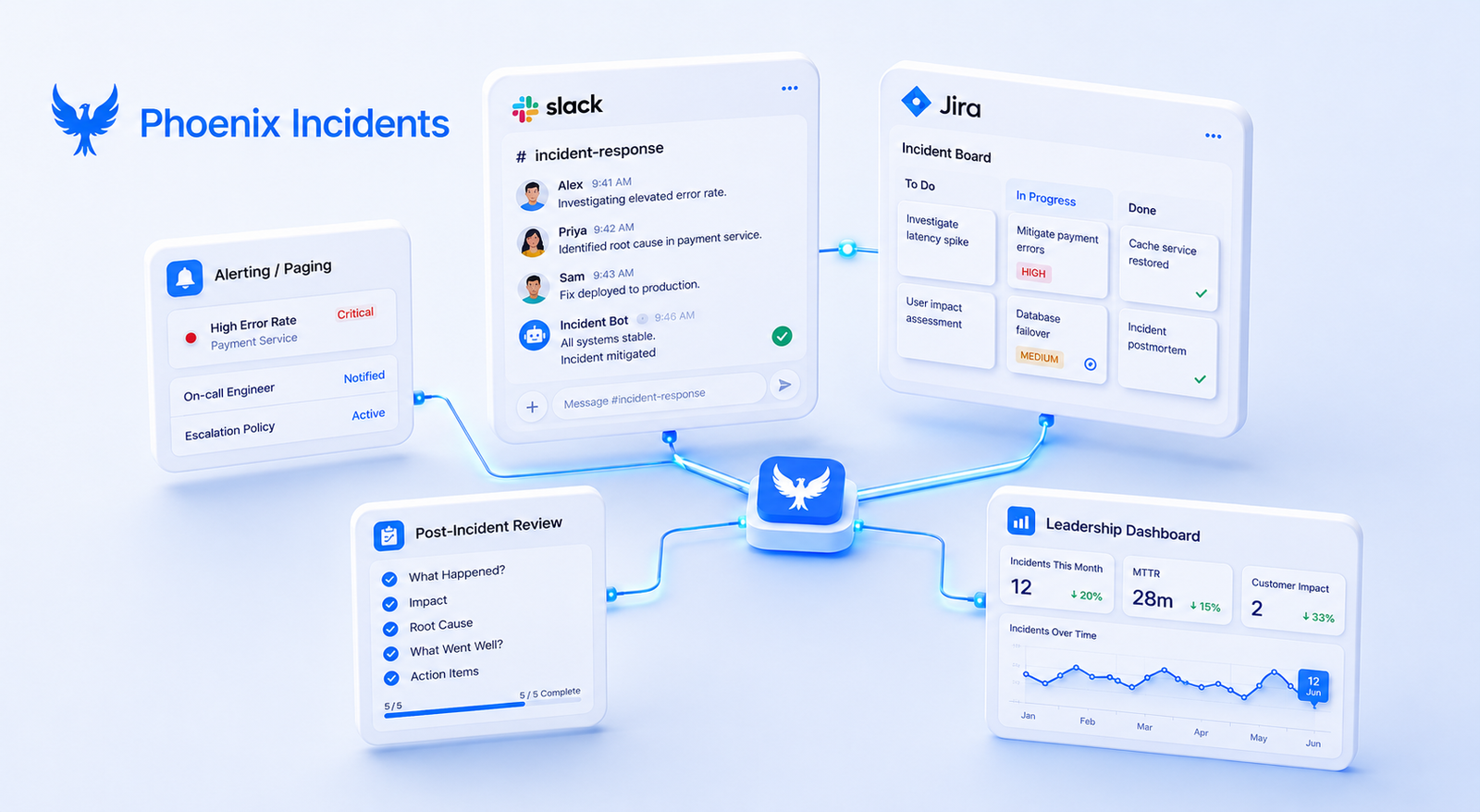
Phoenix Incidents is built for engineering teams that do not want another standalone tool sitting on top of an already full stack. The capabilities below all work inside the tools your team already lives in.
1. Incident Creation and Coordination Inside Slack.
- Human-initiated incidents, raised the moment something looks wrong.
- Automatic creation of an incident-specific Slack channel for coordination.
- Real-time status updates synced to Jira.
- Reminders driven by SLA deadlines.
Keeping coordination inside Slack and Jira means engineers spend less time juggling disconnected tools and more time resolving the actual problem, and that reduction in context switching is a quiet but real contributor to lower stress.
2. Seamless Integration With Paging Tools
Phoenix Incidents works alongside paging tools like PagerDuty and Splunk On-Call, coordinating inside Jira and Slack without disrupting your existing alerting setup. Acknowledgments and status stay visible where the team already works, so no one is copying information between systems by hand.
3. Guided Post-Incident Reviews
Customers consistently point to the review flow as one of the platform's most valuable features. It’s guided rather than heavily auto-generated, so teams keep control of the narrative and the learning. Over time, that structure helps teams address the underlying issues behind repeat incidents instead of fixing the same symptoms.
4. Reporting for Engineering Leaders
The reporting surface gives leaders visibility into MTTA, SLA performance, recurring patterns across incidents, and overdue action items, the same signals covered in the metrics section above. That visibility shows where the process is breaking down, so leaders can make targeted improvements that take real pressure off the on-call rotation.
Make On-Call Sustainable Without Adding Another Tool
Clean coordination, reliable communication, and structured learning cycles make engineering teams more resilient and far less chaotic. And they make on-call something people can sustain rather than something they quietly plan to escape.
The work is less about adding tools and more about tightening the process around the ones you already have.
If your team already runs on Slack and Jira, book a demo to see how Phoenix Incidents brings your incident process into one place, helping you resolve outages faster while taking the procedural load off your engineers.
Frequently Asked Questions
1. What causes on-call burnout in engineering teams?
On-call burnout is usually caused by process overload rather than the technical difficulty of incidents. Repeated manual tasks like updating Slack, syncing Jira, coordinating responders, and keeping stakeholders informed create stress that builds up over time.
2. How many incidents per on-call shift are sustainable?
The Google SRE Workbook recommends no more than two to three actionable incidents per 12-hour shift. Regularly exceeding that often indicates an alerting problem rather than an issue with the on-call rotation.
3. What is the best on-call rotation model?
The best rotation depends on your team. Weekly rotations work well for smaller teams, follow-the-sun models suit globally distributed teams, and round-robin schedules are ideal for evenly shared workloads.
4. How can you reduce on-call burnout without hiring more engineers?
Start by improving your incident process. Reduce alert noise, standardize response workflows, run effective post-incident reviews, and keep coordination inside tools like Jira and Slack to minimize context switching and manual work.
5. Which metrics matter most for on-call engineer health?
Key metrics include MTTA (Mean Time to Acknowledge), MTTR (Mean Time to Resolve), alert volume per shift, on-call workload distribution, and incident recurrence rate. Together, they help identify workload imbalances and opportunities to improve the on-call experience.