The Major Incident Communication Template Every Response Team Needs

When a major incident hits production, communication is rarely the thing teams prepare for, yet it's usually one of the first things to break once the response is underway. The incident channel fills with partial updates, stakeholders start asking for clarity while engineers are still trying to work out what's failing, and within a few minutes there are three or four competing versions of the truth floating around.
Everyone is acting in good faith, but good faith doesn't survive a SEV-1. Without a structure that forces consistency, what you get instead is noise, and noise during an incident is expensive.
Most teams agree in principle that communication matters. But in practice, they still lean on improvised messages, copied-and-pasted updates from the last outage, and whatever tribal knowledge the on-call engineer happens to carry.
The result is confusion, duplicated effort, and a lot of avoidable stress at exactly the moment when clear heads matter most. A good communication template is the first step toward fixing that, but as we'll get into, the template itself is only half the story.
Why Improvised Incident Communication Costs More Than You Think
When there's no standard way to share what's happening, the same failures show up in every incident:
- Inconsistent updates: Different responders broadcast different versions of reality across Slack, Jira, and email, and nobody can tell which one is current.
- The interruption tax: Engineers get pulled off the investigation again and again to answer stakeholder questions that a single structured update could have covered without interrupting anyone.
- Late or missing updates: With no clear owner for communication, updates slip or never go out at all.
- Post-incident reconstruction pain: Once the incident is over, the team burns hours trying to piece together who decided what and when, because none of it was captured in a consistent form.
None of these are hypothetical, and the cost adds up in ways that reach well past the engineering org. Splunk's 2026 Hidden Costs of Downtime report, produced with Oxford Economics, puts the cost of unplanned downtime for Global 2000 companies at $600 billion a year, a 50% jump in just two years, on top of a 3.4% drop in stock price after a single major incident.
Not all of that is communication overhead, but a meaningful slice of it is: every minute a responder spends re-explaining status instead of mitigating, and every stretch where stakeholders are making decisions off stale information, lands somewhere on that bill.
What Counts as a Major Incident, and Why Communication Becomes Part of the Response
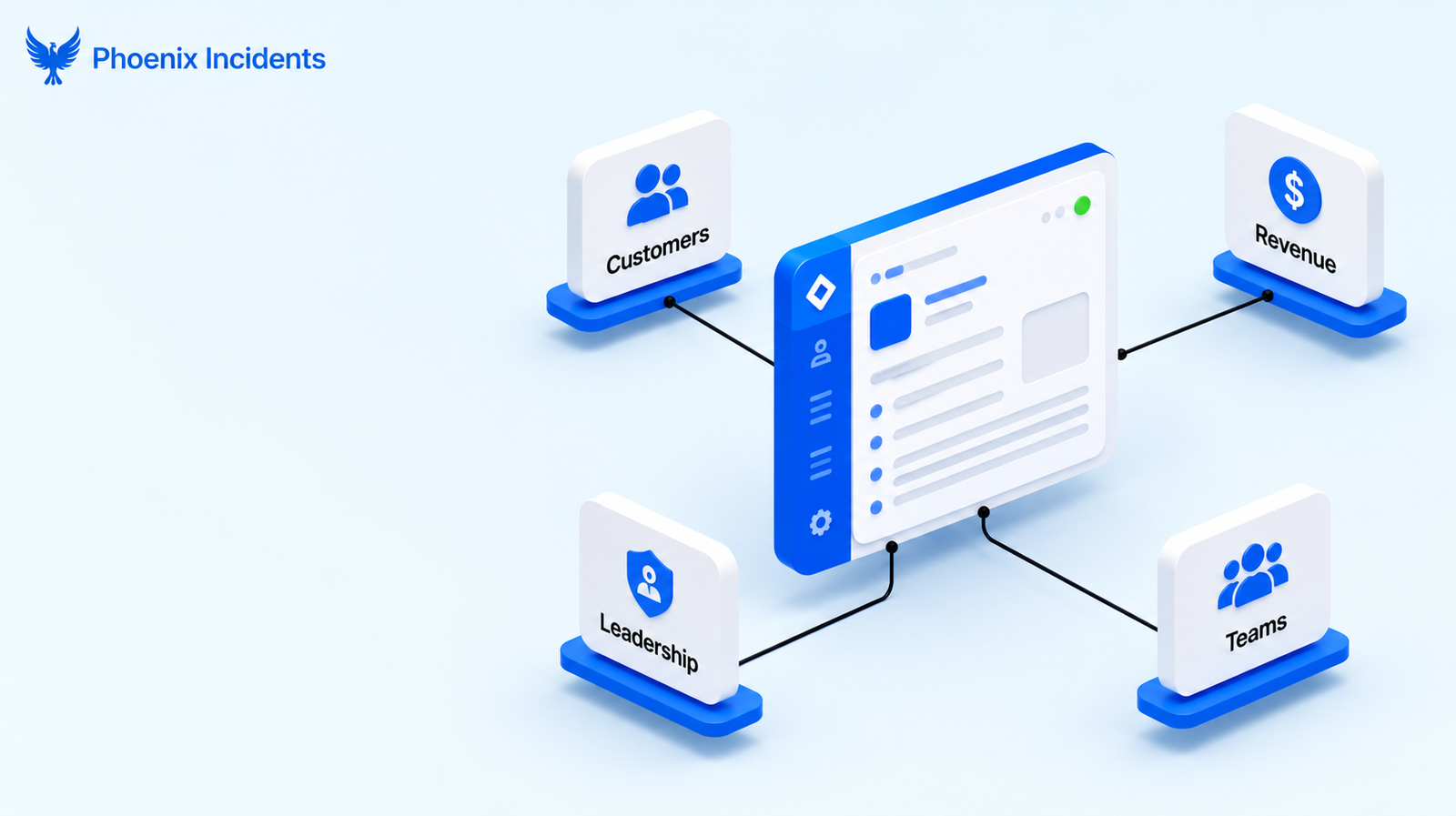
A major incident is usually defined by its impact.
The usual signals are:
- Customer-facing disruption, where users can feel the degradation directly.
- Revenue or SLA risk, where the outage threatens contractual commitments or money.
- Executive visibility, where leadership is watching and wants to know the state of play.
- Cross-team coordination, where no single team can resolve it alone.
Once an incident clears that bar, communication stops being administrative overhead and becomes part of the response itself. Clear, well-timed updates reduce the uncertainty that generates interruptions, which means engineers can stay on the fix rather than fielding the same question from five directions.
This is a point the Google SRE book makes plainly in its anatomy of an unmanaged incident: poor communication is one of the three things that reliably turns a technical problem into a spiralling one.
Mature teams treat communication as a core incident management function for exactly this reason, and a template is how they make it repeatable under pressure.
The Incident Communication Template
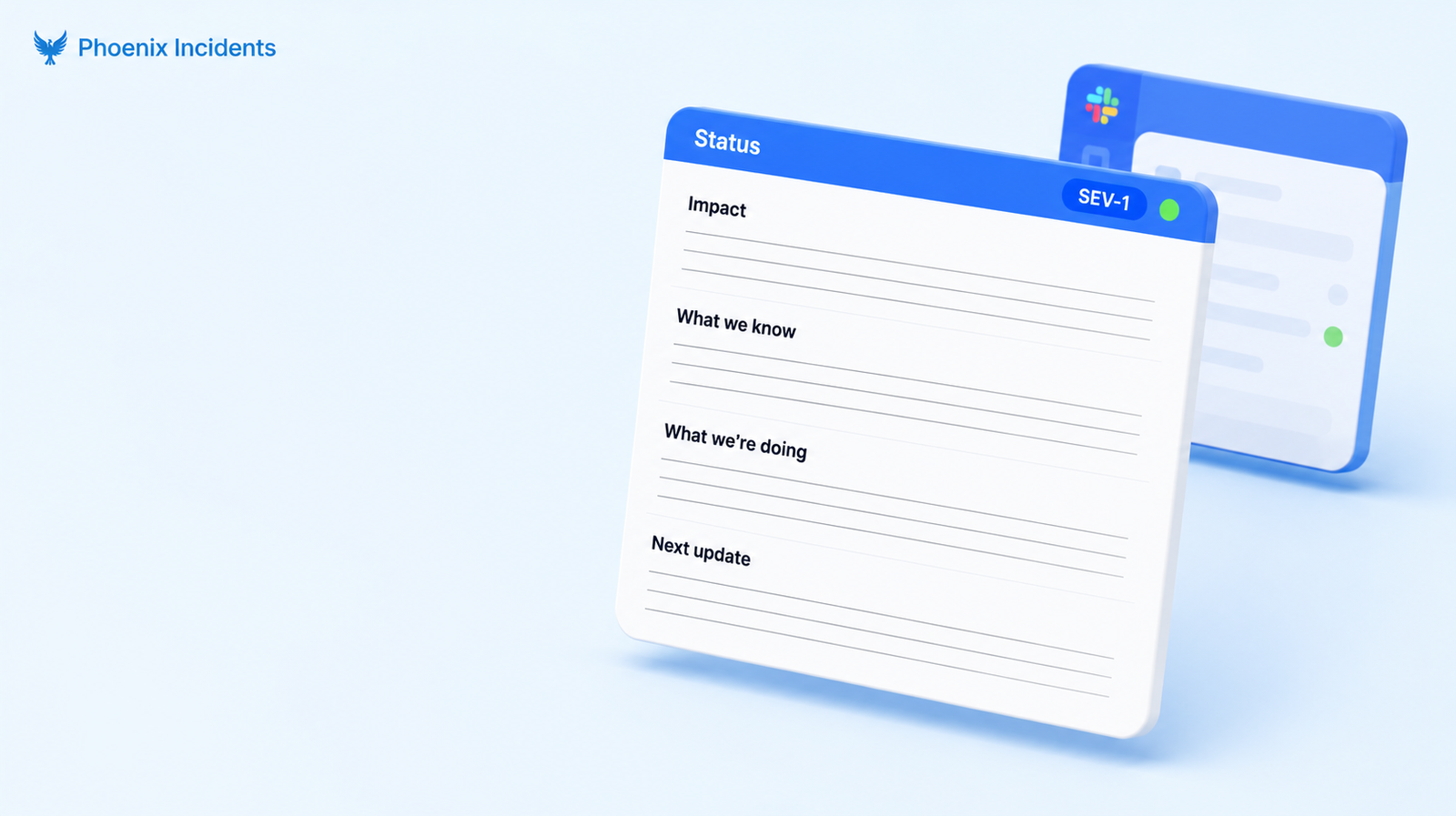
A communication template is a standardized structure for sharing incident information consistently, even when everyone is stressed and moving fast. Its job is to create shared understanding quickly, cut ambiguity, and keep everyone working from one source of truth.
The Core Status Update Template
Here's the base structure that holds up across most major incidents. It draws on practices documented by teams at PagerDuty, Atlassian, and Google, and it's deliberately built to be filled in fast:
Incident ID: [Unique identifier]
Severity: [SEV-1, SEV-2, etc.]
Status: [Investigating | Identified | Monitoring | Resolved]
Reported at: [Timestamp with timezone]
Impact
- Who is affected:
[e.g., all users, enterprise tier, EU region] - What is affected:
[e.g., login service, checkout] - Business impact:
[e.g., users cannot sign in]
What we know:
[Brief description of the issue and observed symptoms]
What we're doing:
[Current investigation or mitigation in progress]
Next update:
[Expected time for the next update — 30 min for SEV-1 is typical]
Keeping the most important information at the top and updating it in place is a pattern that comes straight out of Google SRE's live incident state document, where the guidance is that the document can be messy as long as it stays functional and readable at a glance.
A Field-Tested Version, Filled In
The blank template is easy to nod at and hard to use well, so here's what it looks like populated for a realistic SEV-1:
Incident ID: INC-4821
Severity: SEV-1
Status: Identified
Reported at: 2026-01-09 14:32 UTC
Impact
- Who is affected:
All users attempting new logins - What is affected:
Authentication service (session issuance) - Business impact:
New sign-ins failing; active sessions unaffected
What we know:
Auth service is rejecting token requests after the 14:20 deploy.
Error rate on /session jumped from ~0.1% to 94%.
What we're doing:
Rolling back the 14:20 deploy. Rollback ETA ~5 min, then monitoring error rate for recovery.
Next update:
14:50 UTC, or sooner if status changes.
Notice that the "what we're doing" field only got specific once there was an actual hypothesis to act on. That restraint is the difference between an update that builds confidence and one that just generates follow-up questions.
Internal vs. External Updates: One Incident, Two Audiences
The same incident usually needs two different updates, because responders and customers need different things. Collapsing them into one message is where a lot of comms go wrong: engineers get vague status meant for customers, and customers get technical detail that only worries them.
| Internal update | External update | |
|---|---|---|
| Audience | Responders and leadership | Customers and public |
| Lives in | Incident Slack channel + Jira issue | Status page and email |
| Detail level | Technical, hypothesis-level | Plain language, impact only |
| Cadence | Every 15–30 min for a SEV-1 | On confirmed state changes |
| Owner | Incident lead or comms lead | Comms lead |
| Goal | One source of truth for the response | Manage expectations and hold trust |
The left column is the one most engineering teams end up underserving, usually not by choice. A whole category of tooling exists to polish the right column, the customer-facing status page, so it's no surprise that the internal responder update gets less attention, even though it's the one that actually keeps the response coordinated.
The good news is that this internal update already lives where the work is happening: the Slack channel where engineers are talking it through and the Jira issue that holds the canonical record.
Adapting the Template by Incident Type
The core template holds across almost every incident. What changes from one type to the next is only a few fields, not the whole structure, so there's no need to maintain a separate template for every scenario.
| Incident type | What shifts in the template |
|---|---|
| Full outage | Impact reads "all users"; tighten the update cadence; state escalation up front |
| Partial or degraded | Quantify the degradation and name the specific affected features |
| Security incident | Restrict detail; keep it internal until cleared; note that it should not be discussed externally |
| Third-party dependency | Name the vendor, link their status page, state your workaround |
| Scheduled maintenance | Pre-incident notice; drop the "investigating" framing entirely |
The security row deserves a note. During a suspected security incident, the instinct to over-share can do real damage, so the internal update stays need-to-know until the scope is understood, and nothing goes external until the response team explicitly clears it.
Common Ways Incident Templates Go Wrong
Having a template doesn't guarantee good communication. These are the failure modes that show up even when a team technically has one:
- Filling in "what we're doing" before you actually know: Under pressure, people feel they have to populate every field immediately, so they write generic filler like "investigating logs" or "checking servers." If you don't have a real hypothesis yet, leave the mitigation field empty. Vague action items read as flailing and quietly erode trust.
- Impact statements too vague to act on: "Some users may be affected" creates more questions than it answers. Stakeholders can't set expectations or make calls without specifics, so name who, what, and the business consequence.
- Updating on a clock with nothing new to say: Cadence discipline matters, but an update that just says "still working on it" every ten minutes trains people to tune out. If there's genuinely no change, say so briefly and hold the detail for when it shifts.
- Writing for the wrong audience: Technical depth in a customer update creates alarm; hand-waving in an internal update starves responders of what they need. Match the register to the reader.
Why a Template Alone Won't Save You
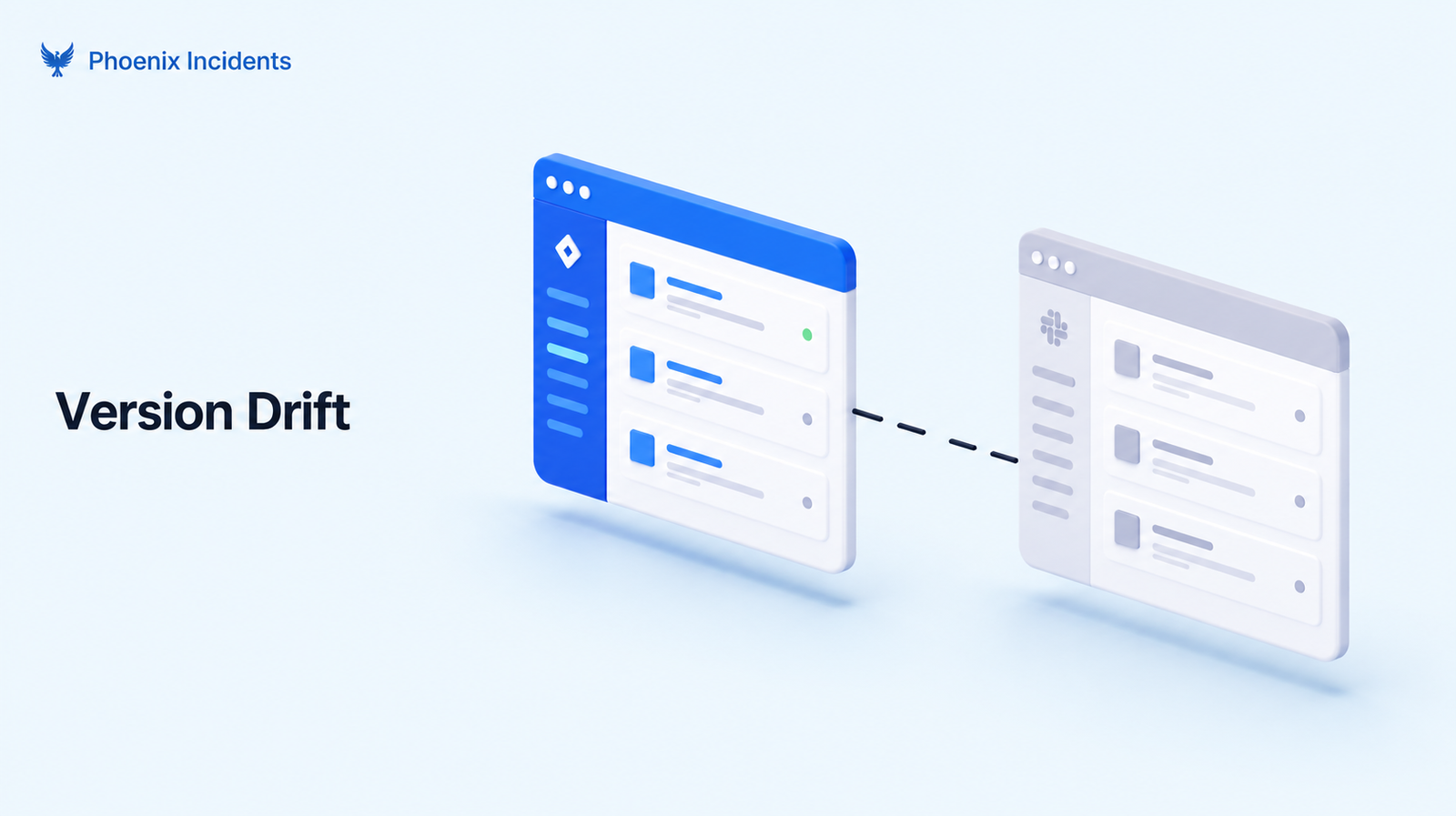
Most teams reach for consistency the sensible way: they stitch together Slack messages, Jira comments, and a format someone copied from the last incident. The instinct is exactly right, but it just doesn't survive contact with a real incident. As things escalate, responders forget the format, the Slack version and the Jira version slowly drift apart until they no longer match, it gets confusing whose job the next update is, and timing slips. It's why so many teams genuinely believe they "have a template" and still end up in communication chaos when a major incident hits.
The problem is that a template living in a Confluence page is just a document. It may as well not exist during a crisis, because nobody in the middle of a SEV-1 has the headspace to go find it, open it, and apply it by hand.
That's just how attention works under pressure. For a template to hold up when it actually matters, it can't lean on memory and willpower. It has to be carried by the response process itself, prompting the right update at the right moment, in the place the work is already happening.
Operationalizing Incident Communication in Jira and Slack
For a communication template to survive contact with a real incident, it has to be embedded directly into the response workflow rather than stored next to it. This is the principle Phoenix Incidents is built around.
Because it lives inside Jira and Slack, it can:
- Guide responders through structured updates from declaration to resolution, so the format travels with the incident instead of living in a doc nobody opens.
- Keep Jira and Slack in sync, so there's no drift between the version leadership reads in the issue and the version responders see in the channel.
- Use SLA-based reminders to prompt the next update on cadence, so timing doesn't depend on someone remembering to post.
- Tie paging integrations like PagerDuty and Splunk On-Call into the same record, so the incident has one spine rather than several.
This is the orchestrate-don't-replace approach in practice. There's no new platform to learn and no status-page migration to run.
Slack stays the place engineers act, Jira stays the canonical record, and the communication structure gets wired into both instead of bolted on beside them.
Better Communication Now Means Better Post-Incident Reviews Later
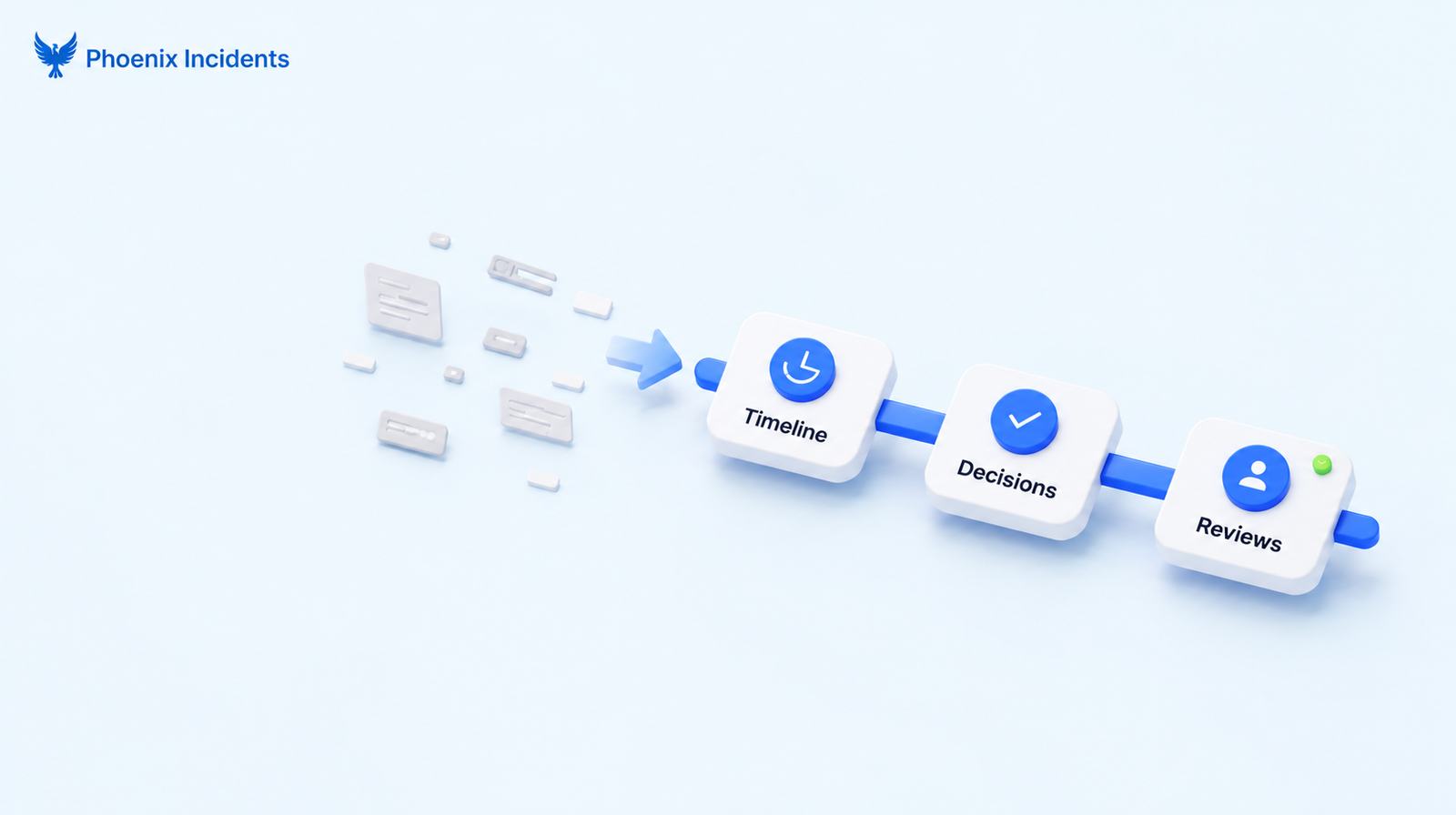
When updates are consistent and captured in place, they become the raw material for a clean timeline, and the post-incident review half-writes itself. When they're scattered across Slack threads, DMs, and half-remembered decisions, reconstructing what happened turns into an archaeology project that eats the time you should be spending on actual improvements.
Consistent communication during the incident gives you:
- Reconstructable timelines, because the sequence of status changes is already recorded in order.
- Clear decision points, because you can see what was known when each call was made.
- Faster and less contested reviews, because there's less to argue about when the record is unambiguous.
Phoenix Incidents guides teams through a structured post-incident review process that turns this captured communication into learning, without adding heavy process on top. The same connection runs through on-call practices and MTTR as well: the cleaner the in-incident record, the easier everything downstream becomes.
The Difference Between Having a Template and Having One That Works
A major incident communication template is about manufacturing clarity at the exact moment clarity is hardest to produce. A template buried in a wiki can't do that, because it only exists in theory. When the incident is live, nobody has the attention to go dig it out.
The teams that handle major incidents best don't improvise and they don't rely on memory. They standardize their communication and embed it directly into the tools where the response is already happening.
If you want to stop letting good intentions serve as your communication strategy, Phoenix Incidents operationalizes your template inside Jira and Slack, so your engineers can stay on the fix while the system handles the updates.
Frequently Asked Questions
1. How do you communicate an incident to non-technical executives?
Focus on the business impact, not technical details. Explain what's affected, how it impacts customers or the business, and when the next update will be shared.
2. Who should own incident communication during a major incident?
For major incidents, a dedicated Communications Lead should handle stakeholder updates while the Incident Commander manages the response. This lets engineers stay focused on resolving the issue.
3. What's the difference between an incident communication template and an incident response plan?
An incident response plan defines the overall process, roles, and escalation paths. An incident communication template provides a consistent format for sharing updates during an incident.
4. What tools do you need for incident communication?
Most engineering teams only need three tools:
- Slack for real-time communication
- Jira for tracking the incident
- PagerDuty or Splunk On-Call for alerts and escalation
The most important thing is keeping these tools connected.
5. How should you communicate during a security incident?
Share only confirmed information and avoid revealing unnecessary details. Keep updates limited until the investigation is complete and it's safe to communicate publicly.
6. What should you avoid in an incident status update?
Don't include guesses about the root cause, unconfirmed timelines, or blame. Stick to the facts, explain what's being done, and say when the next update will be provided.