How to Design a Production-Ready Jira Incident Workflow: From Alert to Post Incident Review

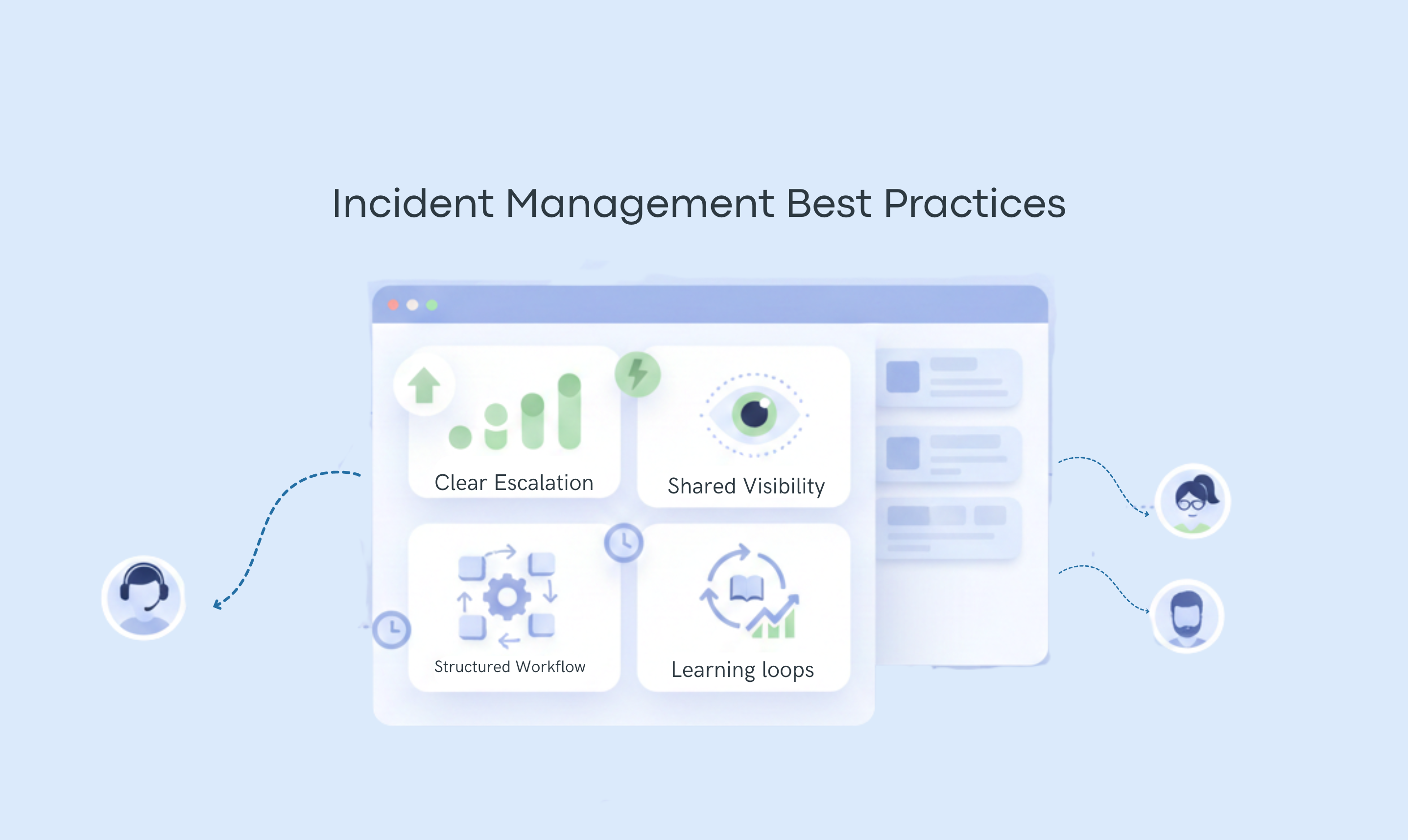
Every production incident has a "Chaos Gap"—the time between something breaking and a team actually moving in sync. If your engineering team doesn't have a clear response process, your workflow will amplify that uncertainty instead of absorbing it. Most outages go sideways long before remediation starts because the process around escalation and coordination wasn't designed for pressure; it was designed for a whiteboard.
What follows is a practical guide to designing a production-ready Jira incident workflow, from initial acknowledgment to post-incident review, grounded in real incident behavior rather than an idealized process.
What is a Jira Incident Workflow?
An incident workflow in Jira is the agreed way a team handles a production incident from the moment something feels wrong to the moment learning is captured afterward. It’s not exactly a document or a checklist on its own. It’s the sequence of practical day-to-day decisions and coordination steps that guide people through chaos when systems are degraded and time pressure is high.
The core problem an incident workflow solves is the load of coordinating, deciding, and explaining simultaneously. A good incident workflow takes the burden off individuals and puts it into the system. So instead of asking “what do I do next ?”, your workflow answers the question for you.
DON'T MISS: How You Can Build Incident Management Inside Jira For FreeSpecific Failures an Incident Workflow is Designed to Prevent.
- An incident workflow is designed to eliminate hesitation about escalating an incident.
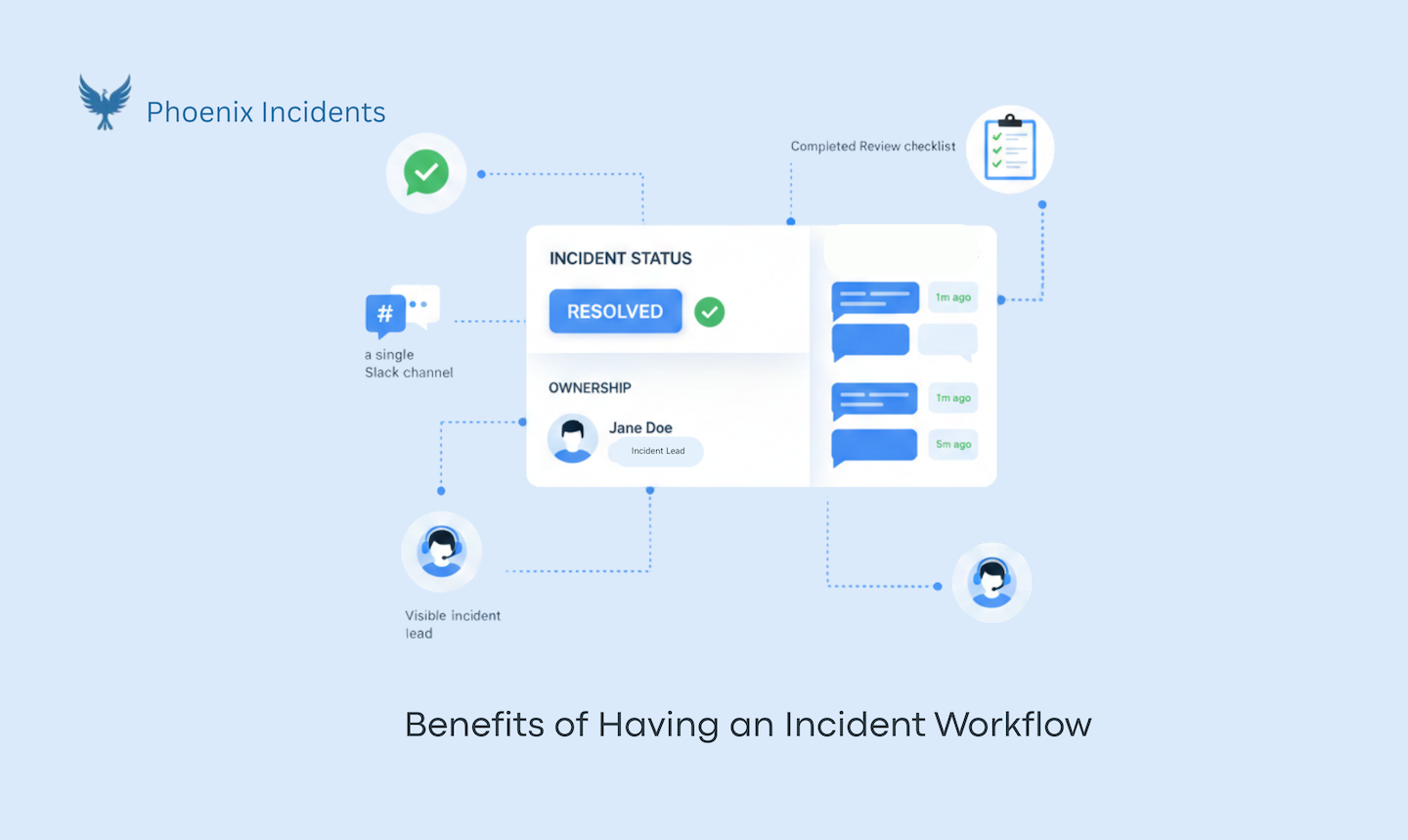
- With an incident workflow, engineers know where to find updates and where coordination happens.
- A workflow establishes ownership and transitions so that role confusion is nonexistent.
- Without a defined path for review and follow-up, learning disappears, and the same failures repeat. A workflow creates a natural bridge from resolution to reflection.
Step-by-Step: How to Design an Incident Workflow in Jira.
Step 1: Choose What Counts as an Incident
Don't over-optimize this, because your definition needs to allow raising incidents early, even when the signal is unclear. In Jira, this means creating a dedicated incident issue type. If your engineers hesitate because they’re not sure it qualifies, your workflow already failed.
Step 2: Make Incident Creation Fast and Low-risk
Creating an incident takes less than a minute when done right. In Jira, creating an incident requires pre-filling of required fields with sensible defaults, avoiding long forms at creation time, and allowing creation by humans, not just tools
The goal isn’t perfect data; it’s getting everyone aligned early. Most importantly, make cancellations a valid outcome so people aren’t punished for raising incidents early.
Step 3: Page the Right Person/Team
Every incident must have a clear "Who is paged?" signal. Whether you use PagerDuty, Splunk On-Call, or the soon-to-be-retired Opsgenie, the paging platform is your alarm. But the workflow doesn't stop at the "ping." Your Jira workflow must capture the Acknowledgment. This is your MTTA (Mean Time to Acknowledge). If the page goes out but the Jira ticket doesn't reflect who is "On it," you have a coordination vacuum. The system should automatically sync the paged responder to the Jira "Incident Lead" field.
Step 4: Killing the "DM" and “Status Update” Culture
Coordination dies in private messages. Pick one primary place for real-time response—usually a dedicated, private Slack channel for the engineers fixing the problem.
However, a production-ready workflow also needs a Stakeholder Path. If you don't give the rest of the company a "self-serve" place for updates, they will revert to hunting down engineers in DMs. This creates a massive "Explanation Tax" that pulls your best people away from the fix.
The Fix: Your Jira workflow should automatically create the technical channel and push a "Status Summary" to a public stakeholder channel or an internal Statuspage. When the process handles the updates, the DMs stop.
Step 5: Make Sure Responsibilities and Ownership are Visible
Every incident needs an Incident Commander in Jira:
- Add a required “incident lead” or equivalent field.
- Set it as early as possible.
- Make sure it allows frictionless reassignment.
No owner equals an incident without structure.
Step 6: Keep Jira in Sync Without Manual Coordination
Jira should reflect reality as it happens, not three hours later. A production-ready workflow uses "Evidence Capture"—the ability to flag critical Slack messages, log snippets, or graphs directly into the Jira incident record. If your engineers have to "reconstruct the timeline" from memory during the Post-Incident Review, your data is already compromised. The goal is to make documentation a byproduct of coordination, not a separate chore.
Step 7: Make Canceled Incidents First-class
This is where most workflows fall short. Canceled incidents should be an explicit workflow state. They should require a cancellation reason and be reviewed regularly, such as monthly. This matters because:
- Engineers escalate earlier when it’s safe to be wrong
- False alarms become learning signals
- Alerting and training improve over time
Step 8: Define What Resolved mean
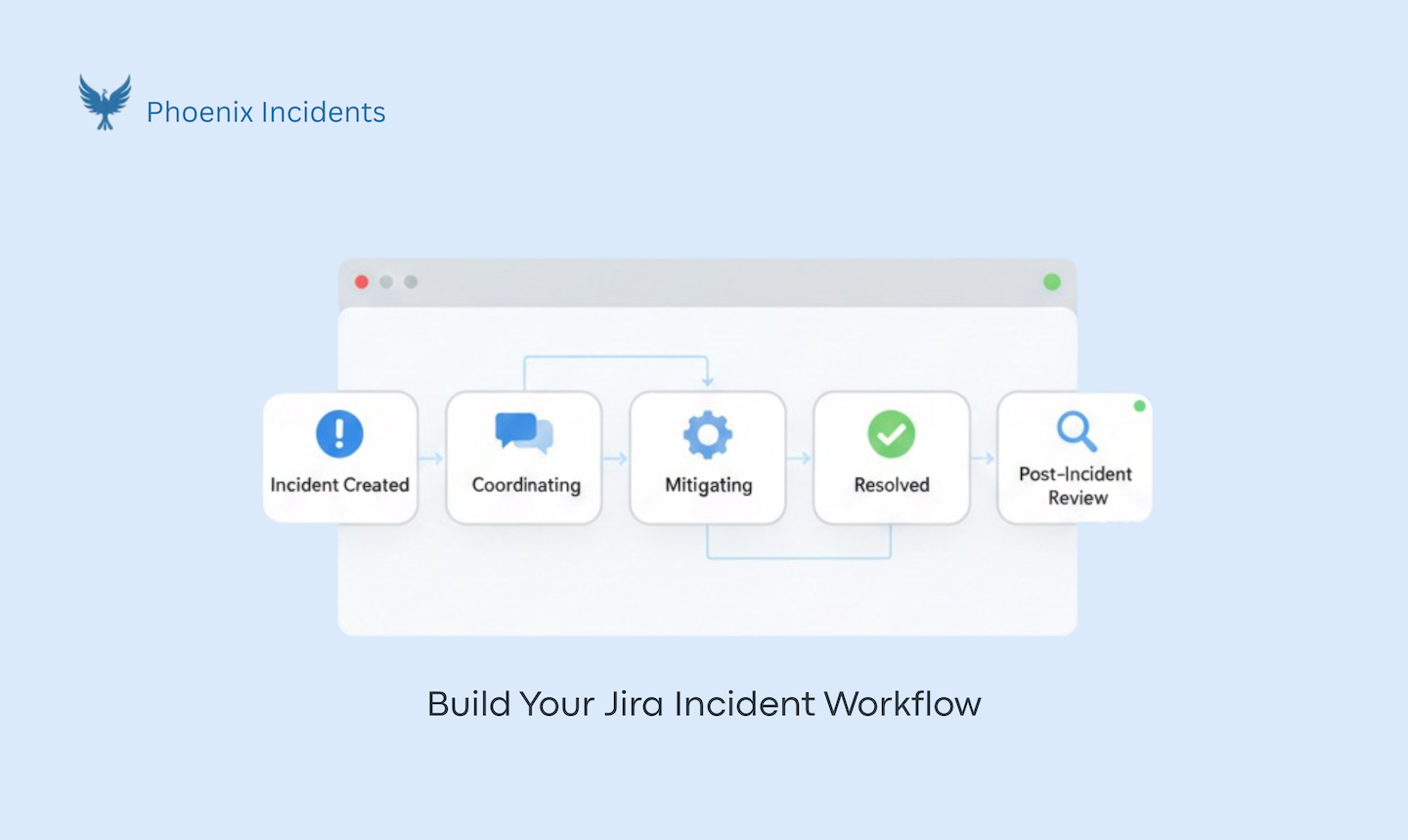
If step 1 helped you understand what to escalate, then this step will also help you to define what a resolved incident should look like. This means the customer impact is over, and the process has transformed from chaos to learning. This becomes a handoff point from response to learning.
Step 9: Make Post Incident Review the Next Step
Most teams drop off here, but the best teams don't. Your Jira workflow naturally moves from resolved to PIR (post-incident review). If this is done consistently, it becomes part of the process, not homework.
Step 10: Ending the "Zombie" Action Items
A production-ready workflow doesn't end when the "Resolved" button is clicked. It ends when the lessons are converted into tracked Jira tickets. Don't let your Post-Incident Review (PIR) result in a list of "tasks" in a Google Doc. If the mitigation isn't a time-bound ticket in your actual sprint backlog, you’re just waiting for the same incident to happen again.
How Phoenix Incidents Strengthens This Workflow in Jira.
Phoenix Incidents exists for one very specific moment: when something is broken, time matters, and engineers are already overloaded. It doesn’t try to reinvent incident response or replace the tools teams rely on. Instead, it anchors the entire incident workflow inside Jira and Slack, so engineers don’t have to leave the systems they use or mentally juggle where things are supposed to be. Incidents are raised by humans in Jira, coordination happens in shared and incident-specific communication channels, and the system quietly keeps both in sync as the incident evolves.
One of the most important ways Phoenix Incidents changes behavior is by making early escalation safe. Incidents can be canceled or downgraded with a reason as outcomes. That removes the social cost of being wrong and shifts risk away from individuals and places it on the process. Over time, those canceled incidents become reviewable signals, showing where alerting is noisy, where escalation criteria are unclear, or where teams need better training.
During an incident, Phoenix Incidents reduces mental load by enforcing a clear process without forcing rigid scripts. Ownership is visible, state changes reflect real work, and SLA-based reminders in Slack replace the need to remember when to update or follow up. Engineers stay focused on recovery while the workflow handles coordination and communication in the background.
After the system is stable again, Phoenix Incidents makes sure the learning doesn’t evaporate. Post incident reviews are guided and built directly off the incident record, helping teams reconstruct timelines, identify recurring themes, and define concrete, time-bound action items. Follow-through is reinforced with reminders and reporting, so leaders can see not just what broke, but whether teams are actually fixing the underlying problems.
The Takeaway: Design for Pressure, Not Perfection
When incident workflows are designed for real behavior—early escalation, safe cancellation, and automated coordination—teams respond faster and burn out less. The difference isn't "better intentions"; it's a system that carries the procedural weight when people are under fire.
Phoenix Incidents is the connective tissue for this workflow inside Teams, Jira, and Slack. We help you move away from "Hero Culture" and toward a system that works as hard as your engineers do.
Stop asking your team to context switch during a crisis. Build a workflow that holds.