Atlassian Incident Management: Best Practices for Running Incidents in Jira

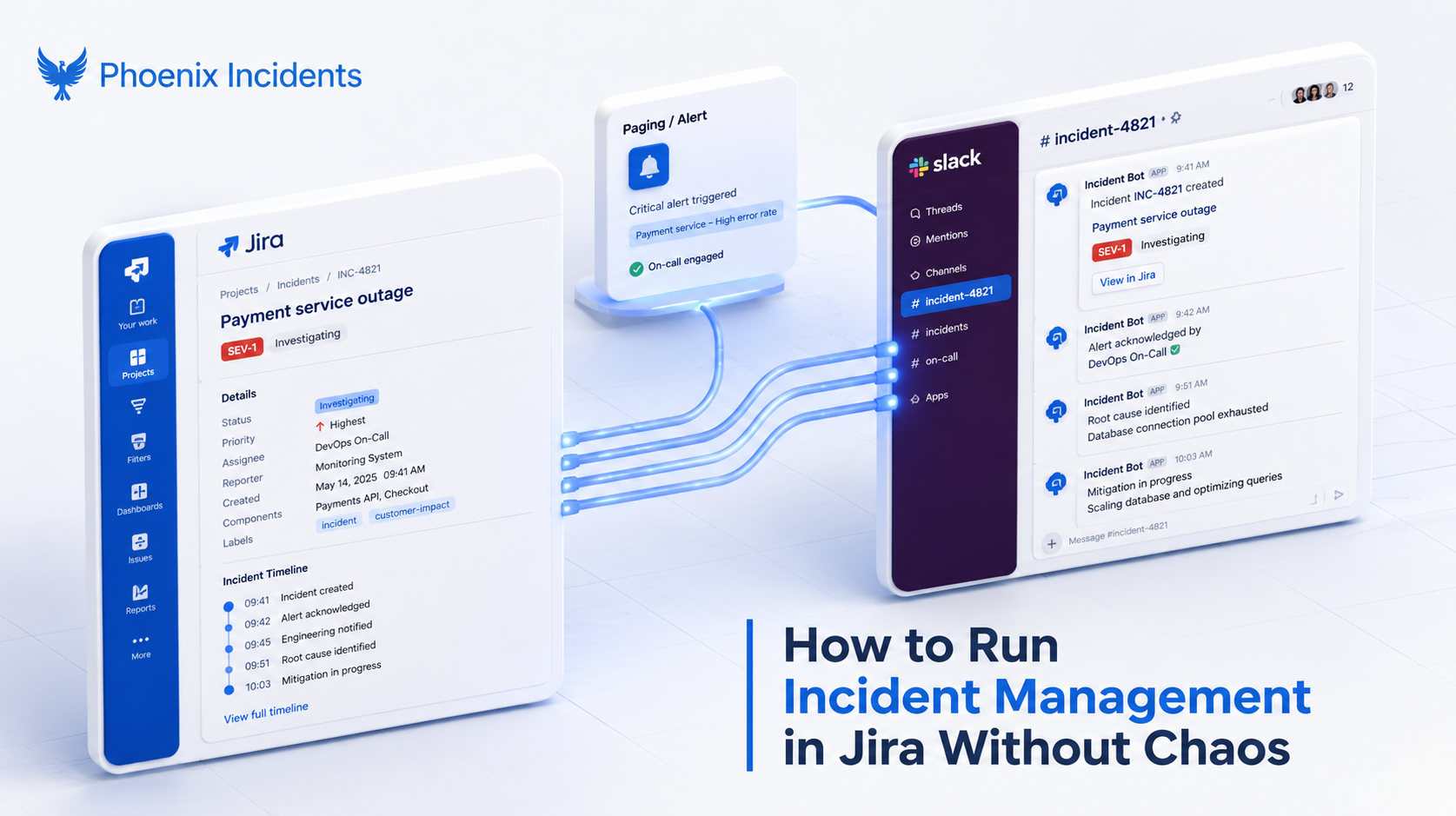
Production incidents rarely announce themselves with a flashing red light. Most start as a Slack message that ends in a question mark, or a support ticket that feels off. And in those first few minutes, the technical failure isn't your real problem. The ambiguity is.
Most teams running Jira incident management, or any flavour of Atlassian incident management, discover that the hardest part of the job isn't fixing the bug. It's the social pressure of deciding whether to pull the fire alarm at all.
What Incident Management in Jira Looks Like for Teams
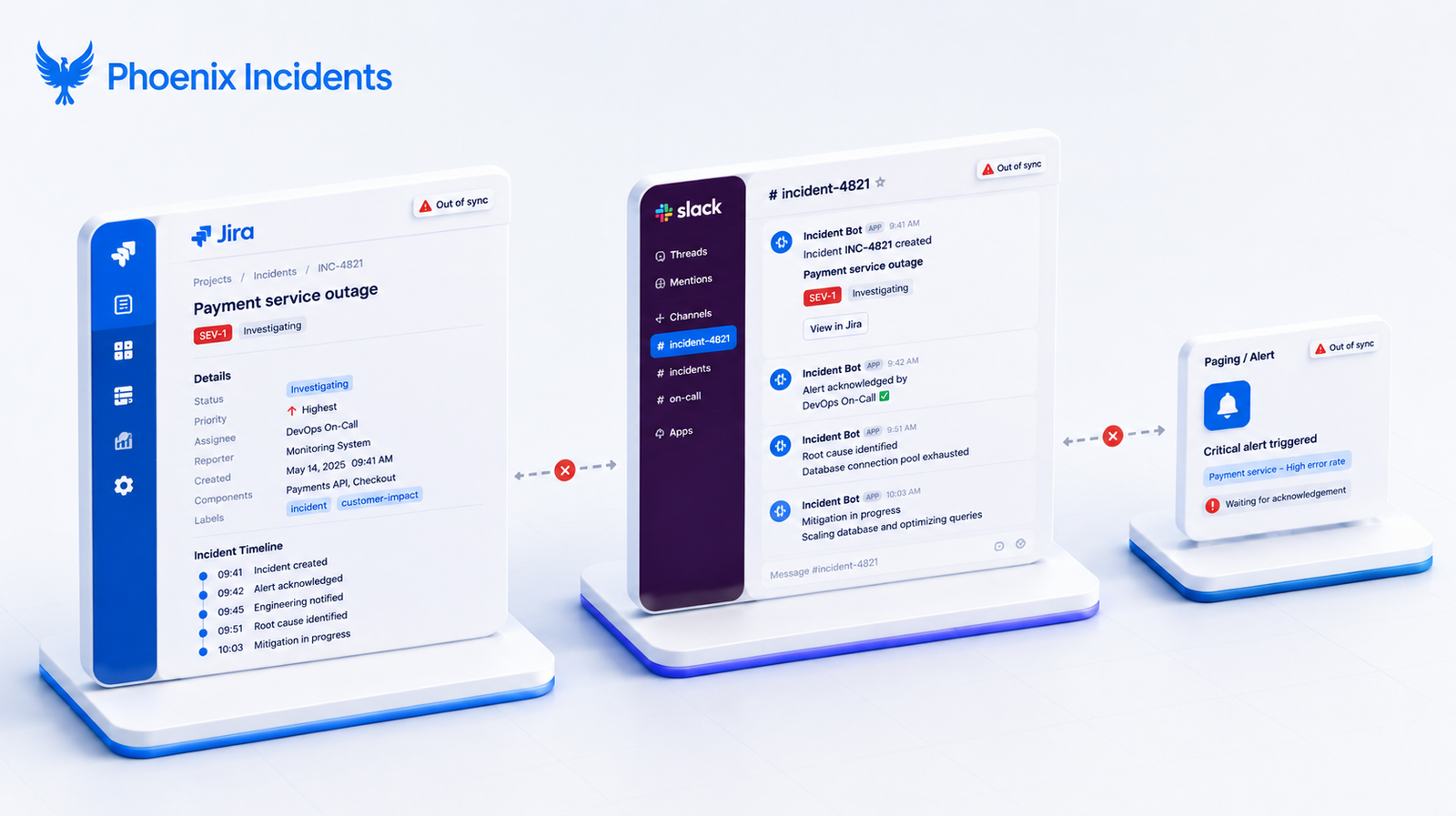
On paper, the typical Jira-based incident response stack is clean. Jira is the system of record, Slack handles real-time coordination, and a paging tool like PagerDuty or Splunk On-Call gets the right person out of bed. Three tools with clear jobs, and a process that looks like it should run itself.
But in practice, those tools don't form a system. Engineers become the connective tissue between them.
- Someone opens a Jira issue but forgets to update Slack.
- Someone else posts a fix in Slack, but the ticket doesn't reflect reality for hours.
- The incident lead becomes whoever happens to be talking the most.
And by the time the dust settles, the real sequence of events has to be reverse-engineered from half a dozen places.
| Layer | Tool | What it's meant to do | Where it breaks under pressure |
|---|---|---|---|
| System of record | Jira | Track the incident and hold the timeline | Falls out of sync with real-time chat |
| Real-time coordination | Slack | Discuss and decide | Decisions never make it back to Jira |
| Paging | PagerDuty / Splunk On-Call | Reach the right responder | Disconnected from the ticket and the channel |
None of these breaks happen because Jira or Slack is a bad tool; they were just never designed to enforce an incident lifecycle. Things fall apart in the space between tools and in the procedural work that humans are expected to remember under stress.
The Cost of Incident Management in Jira: Social Friction
Most writing about incident management treats it as a tooling problem or an ITIL configuration exercise. For engineers, the first cost is almost always social. The decision to escalate carries a weight that has nothing to do with the severity of the bug and everything to do with how it will look afterward.
When escalation feels expensive, engineers ration it. They wait, collect more signals, and try to resolve things quietly, and that rationing is where recovery time disappears. The fix for slow incident response often isn't a faster runbook. It's making the act of declaring an incident cheap, routine, and free of blame.
A Practical Jira Incident Management Lifecycle
High-performing teams tend to run the same incident lifecycle whether they’ve named it or not. Four stages, each with a clear job, and each with a recognizable picture of what a good incident lifecycle looks like.
| Stage | What happens | What good looks like |
|---|---|---|
| Declare | Someone names the incident so the team can start working together | Cheap to declare, blame-free, and fast |
| Coordinate | Roles get assigned and context is shared in one place | A clear lead and a single source of truth |
| Resolve | The technical issue gets fixed | Engineering skill leads and process recedes |
| Review | The team captures what happened and what needs to change | Tracked action items |
Jira gives you a solid foundation for this lifecycle. What it doesn't give you is enforcement or coordination across the stages.
The structure exists as long as someone keeps it alive by hand, which is the part that fails first when everyone is heads-down on an incident fix.
How to Gauge Severity Before You Declare
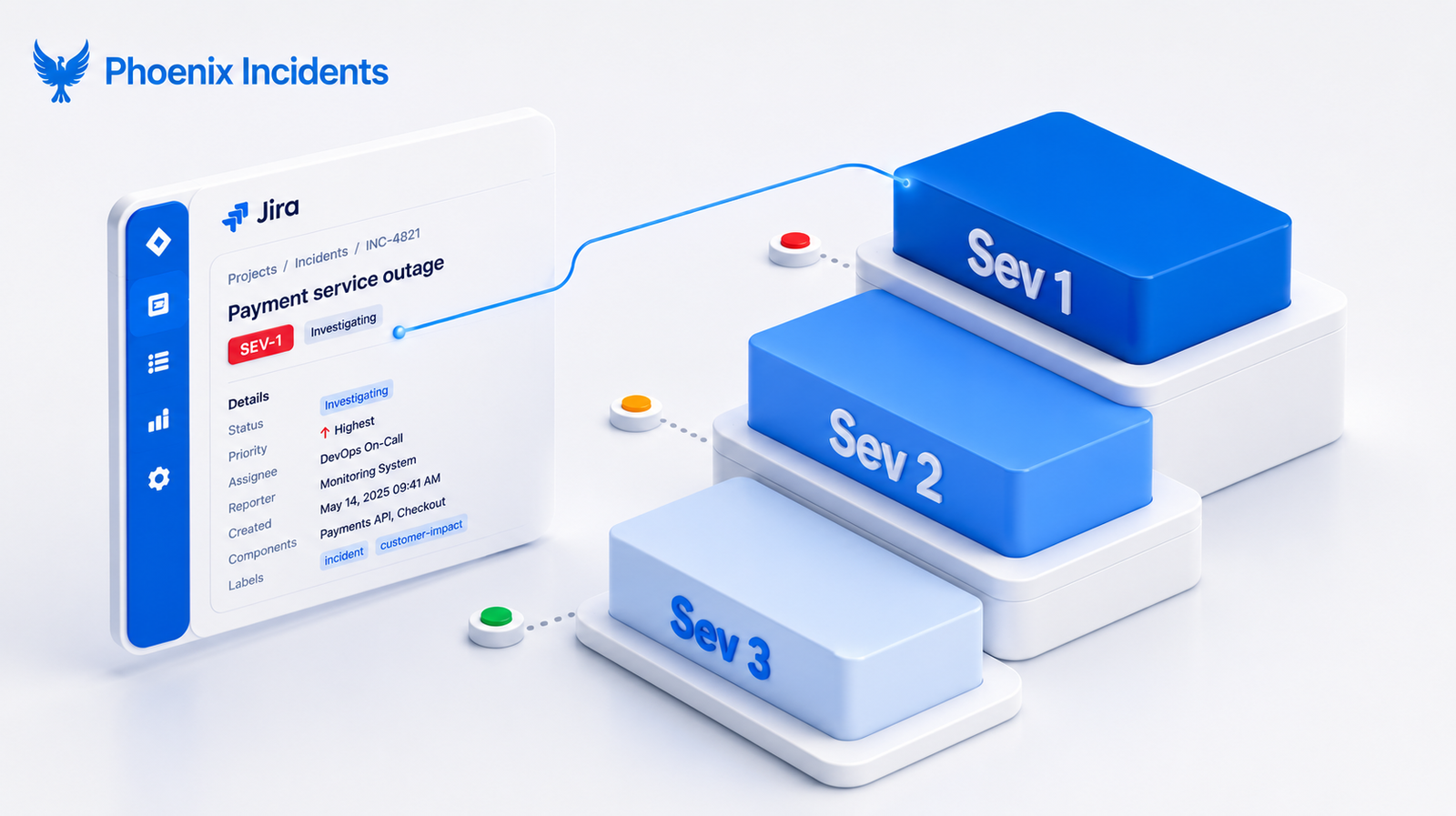
Part of what makes declaring feel risky is the absence of a shared yardstick. When nobody agrees on how bad "bad" is, every escalation becomes a judgment call you have to defend.
A simple severity model removes the second-guessing by making the call obvious before you make it.
| Severity | Impact | Examples | Response |
|---|---|---|---|
| Sev1 | Customer-facing outage, revenue or data at risk | A customer-facing service is down for all customers; confidentiality or privacy is breached; customer data loss | Declare immediately and page on-call |
| Sev2 | Major degradation with a workaround available | A customer-facing service is unavailable for a subset of customers; core functionality like git push or issue create is significantly impacted | Declare and coordinate with in-hours urgency |
| Sev3 | Minor or partial issue, limited scope | A minor inconvenience with a workaround available; usable performance degradation | Track it and fix in the normal flow |
Once a team shares a severity scale like this, declaring incidents stops being a personal verdict, and that alone shaves minutes off the beginning of an incident.
Where Jira Incident Management Falls Apart on Its Own
When Jira carries the whole incident on its own, the same cracks show up every time.
- Incident creation is heavy, so people delay it until the problem is undeniable.
- Nobody is clearly in charge, so work overlaps in some places and stalls in others.
- Slack and Jira show different versions of reality, so no one is sure what's actually true.
- Responders get pulled off the fix to write status updates for stakeholders.
- Post-incident reviews lean on what people remember rather than what was recorded.
On its own, each of these is something a team can absorb. Together, in the middle of a live outage, they compound, and a fixable problem becomes a chaotic one.
Making Incident Management Inside Jira Work Better
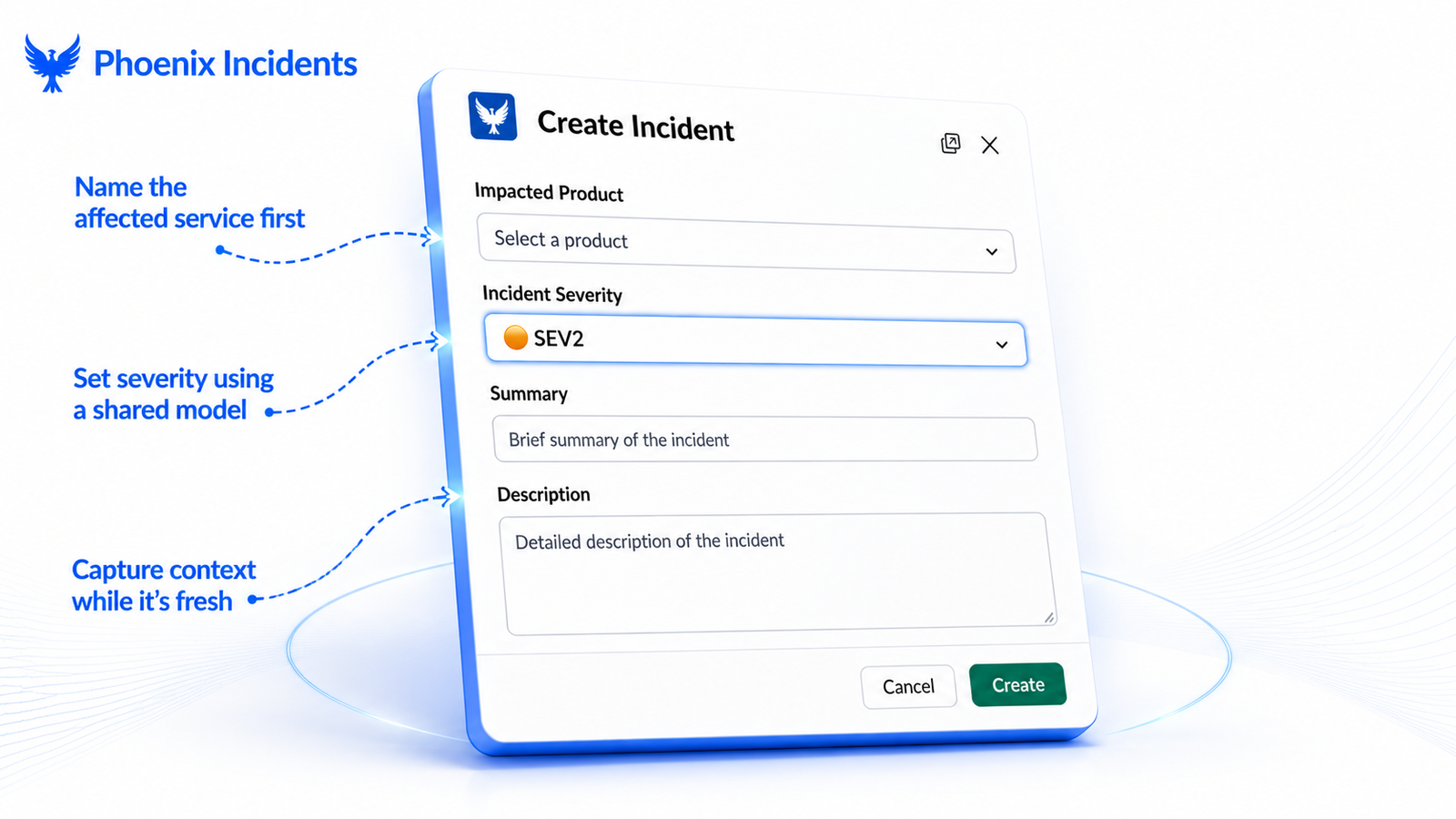
Most incident tools fail for the same reason. They try to pull engineers into a brand-new interface at the worst possible moment. When your database is falling over, nobody wants to learn a new dashboard or keep one more tab open just to log what they are already doing.
Phoenix Incidents takes the opposite approach. The goal is to keep engineers in the flow they are already in, not drag them out of it. It integrates natively with Jira and Slack so coordination happens where the work already lives, and it supplies the connective tissue that keeps your systems in sync. The point is to remove the manual glue work, so no single person has to babysit three tools while also fixing the actual problem.
Coordinating Incidents Where the Work Already Happens
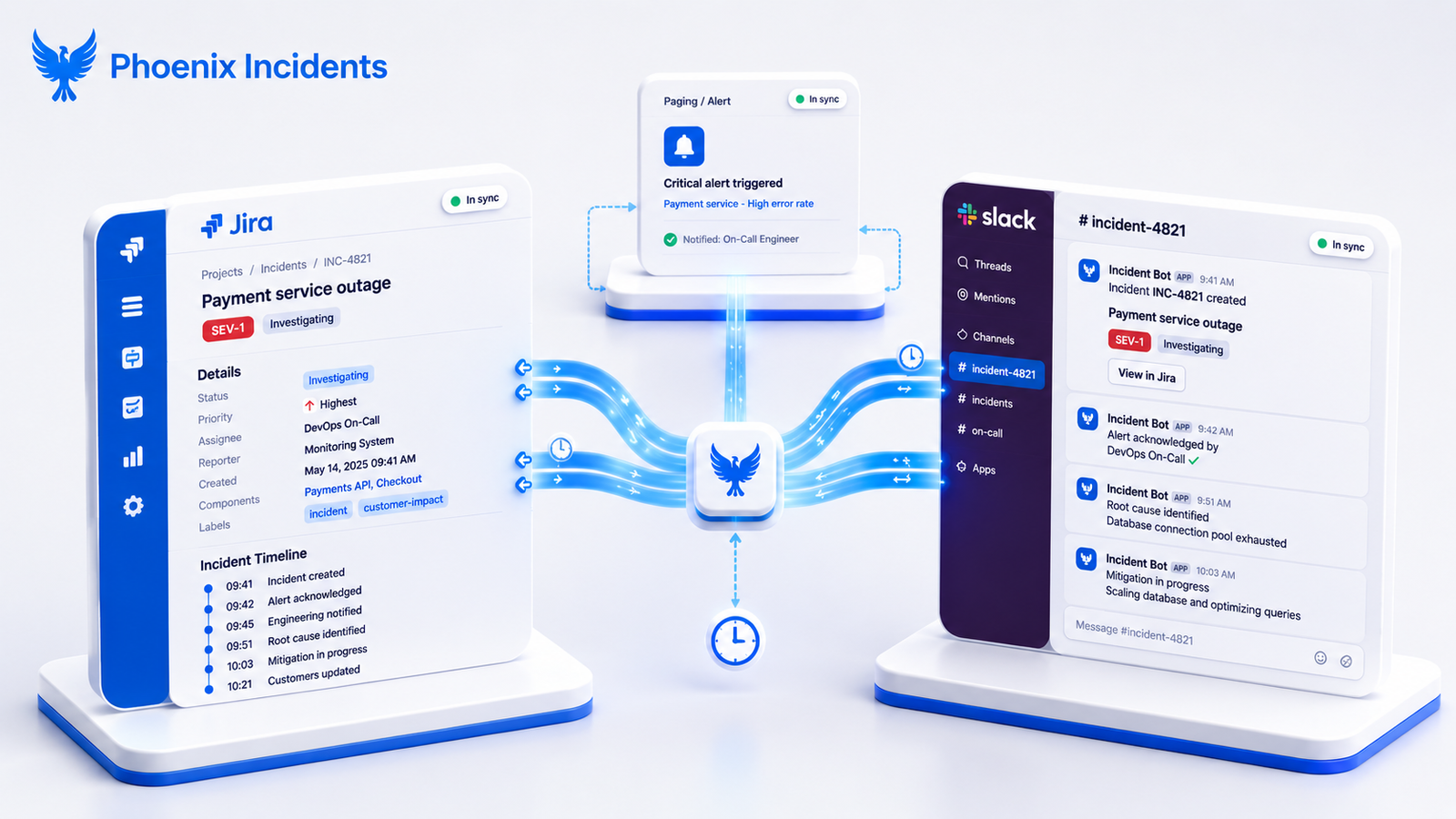
Once an incident is declared, Phoenix Incidents coordinates the response from end to end without asking anyone to leave Slack or Jira.
- Incident-specific Slack channels get created and kept in sync automatically.
- Jira, Slack, and your paging tool stay aligned without anyone copying updates by hand.
- SLA-based reminders keep status updates moving without someone having to chase them.
This won't magically reduce your MTTR, what it does reduce is the mental load wrapped around the fix, which is where a surprising amount of time leaks out. MTTA tends to improve too, simply because the hesitation around acknowledgement drops.
Closing the Loop on Post-Incident Reviews
Most teams know the PIR is where the real learning happens. The problem is timing. By the time anyone sits down to write it, the adrenaline has worn off, the next sprint has started, and the review becomes a chore that drifts until everyone forgets it.
Phoenix Incidents is built to stop the zombie incident, the kind where the root cause is well understood but the fix never actually gets scheduled.
It closes the loop inside Jira:
- The PIR process runs in Jira, so the review lives where the work already is.
- Captured Slack activity becomes a factual timeline, so you review what happened rather than what people half-remember.
- Action items become real, tracked Jira issues instead of bullet points in a doc.
- The incident stays open until the mitigation actually ships.
What Changed: Native JSM Incident Features and the Opsgenie Wind-Down
If your incident stack still runs through Opsgenie, the ground is shifting under it. Atlassian stopped selling Opsgenie to new customers on June 4, 2025, and the product will reach end of support on April 5, 2027. Atlassian is folding incident, change, on-call, alerting, and problem management into Jira Service Management.
Moving all of that into JSM consolidates the tooling, but it doesn't close the gap that actually slows teams down. Even inside one platform, the incident still lives across Jira, the chat where people are talking, and the paging that pulls them in, and keeping those three in sync under pressure is still manual work.
That coordination layer is exactly what Phoenix Incidents handles, whichever way your Atlassian setup ends up configured.
Run Incidents in Jira Smoothly
Reliable incident management was never about having a perfect team. When escalation feels safe, coordination is structured, and follow-through is enforced, incidents stop feeling like personal failures and start feeling like shared problems the system is built to absorb.
Phoenix Incidents was built for that reality. It doesn't replace the tools you already trust, it makes them work together under pressure, so your team can respond faster and learn without blame.
Frequently Asked Questions
1. What is incident management in Jira?
Incident management in Jira is the process of detecting, coordinating, resolving, and reviewing production incidents using Jira as the central source of truth. While Jira tracks the incident, tools like Slack are often used for communication and collaboration.
2. Does Jira have built-in incident management?
Yes. Jira and Jira Service Management include features like incident workflows, linked issues, and post-incident reviews. Many teams also use tools like Phoenix Incidents to automate coordination across Jira, Slack, and paging platforms.
3. What's the difference between Jira and Jira Service Management for incidents?
Jira is a project management platform used by engineering teams, while Jira Service Management is Atlassian's ITSM solution with built-in incident management features like SLAs, on-call support, and service desk workflows.
4. How do you reduce MTTR in Jira?
Reducing MTTR starts with improving your incident process. Faster incident declaration, clear ownership, automated notifications, and fewer manual updates help teams respond and recover more quickly.
5. What are the stages of the incident management lifecycle?
The incident management lifecycle typically includes four stages: Declare, Coordinate, Resolve, and Review. Teams first identify the incident, coordinate the response, restore service, and then review what happened to prevent similar incidents in the future.