A Complete Guide to Site Reliability Engineering: Principles, Practices, and Tools

Every time you stream a movie on Netflix or hit "send" on a banking app, you're interacting with an invisible architecture. We take it for granted that these systems respond instantly and reliably, but they don't stay that way by accident.
Behind that seamless experience is a practice called Site Reliability Engineering (SRE). And behind SRE is a problem most engineering teams know well: they ship faster today than they ever have, yet reliability keeps slipping through the cracks between all their tools, until an outage makes it loud.
This guide walks through what SRE is, where it came from, the principles and practices that hold it together, the tools teams rely on, what reliability looks like during a real incident, inside the tools your engineers already use every day.
What Is Site Reliability Engineering (SRE)?
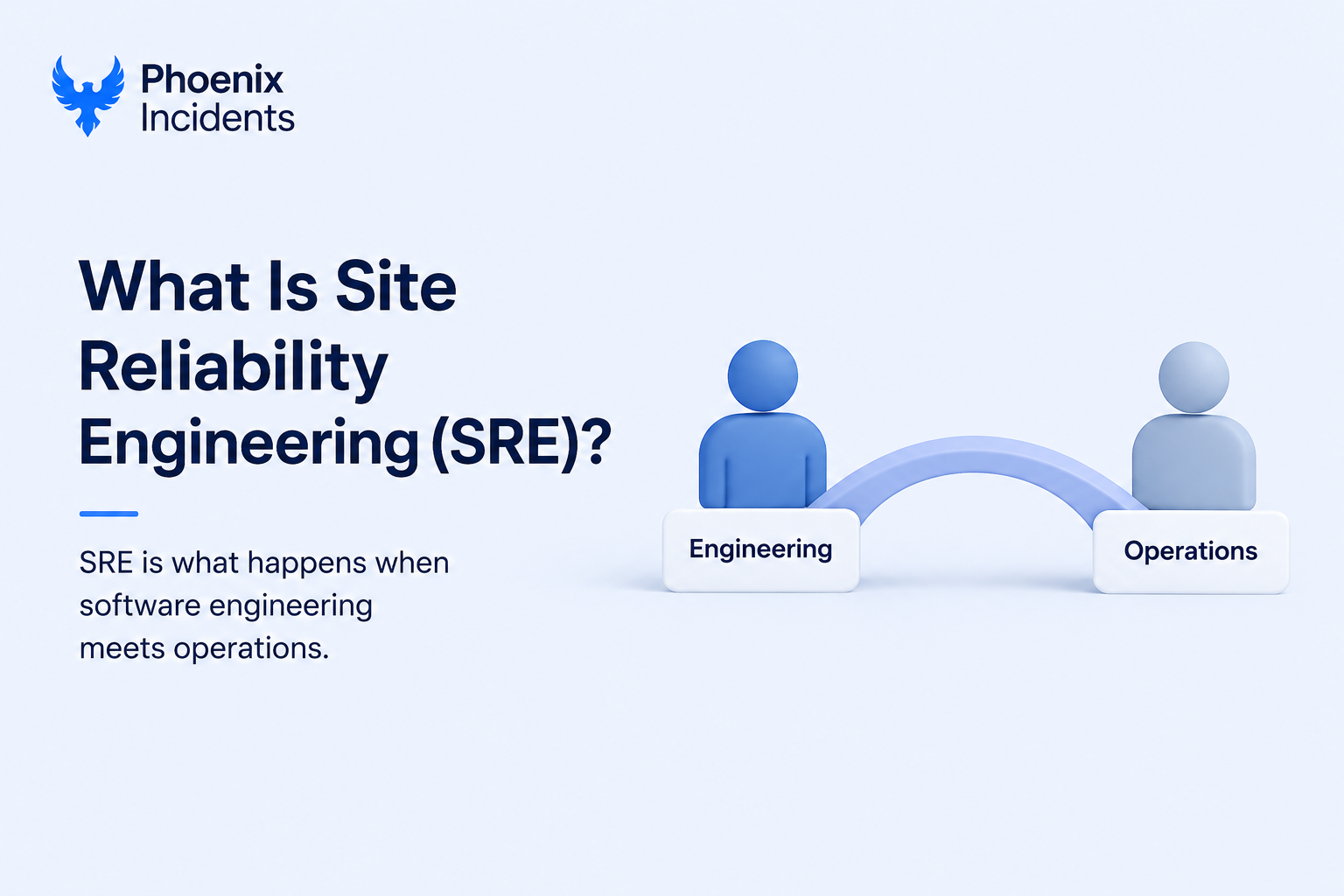
Site Reliability Engineering is the practice of applying software engineering methods to the work that used to belong to operations teams. Instead of managing servers, deployments, and incidents by hand, SRE teams write code and build automation to do that work for them. The goal is to keep applications reliable even as development teams constantly ship changes, and to do it in a way that scales with the system rather than scaling with the size of the team.
The shift in thinking is the important part. Traditional operations is reactive. Something breaks, a human gets paged, the human fixes it, and the cycle repeats. SRE treats that same reliability work as a software problem. If a task is manual, repetitive, and predictable, an SRE would rather spend an afternoon automating it away than spend five minutes a day doing it forever. Reliability stops being something you hope for and becomes something you design, measure, and improve like any other feature.
A Brief History of SRE at Google
SRE began at Google in 2003, when Ben Treynor Sloss was asked to run a production team of seven engineers. Coming from a software background, he built the team the way an engineer would, treating operations as something you could solve with code rather than headcount. His often quoted summary captures the whole philosophy: "SRE is what happens when you ask a software engineer to design an operations team."
One of the most influential ideas to come out of that early work is the cap on operational load. Google places a 50% limit on the aggregate operations work any SRE team takes on, things like tickets, on-call, and manual tasks. The remaining time goes to engineering work that makes the service more stable and less reliant on human intervention.
That single rule keeps the team from drowning in toil and forces continuous investment in automation. Google later collected these ideas in its freely available SRE book, which remains the reference text for the field.
Why Is Site Reliability Engineering Important?
Modern applications are made of many interconnected services, third-party integrations, and infrastructure spread across regions. A change that works perfectly in isolation can still trigger failures once it meets the rest of the system under real traffic.
Without a structured way to manage that complexity, teams get stuck choosing between moving fast and staying stable.
SRE exists to ease that tension, and it earns its place for a handful of concrete reasons:
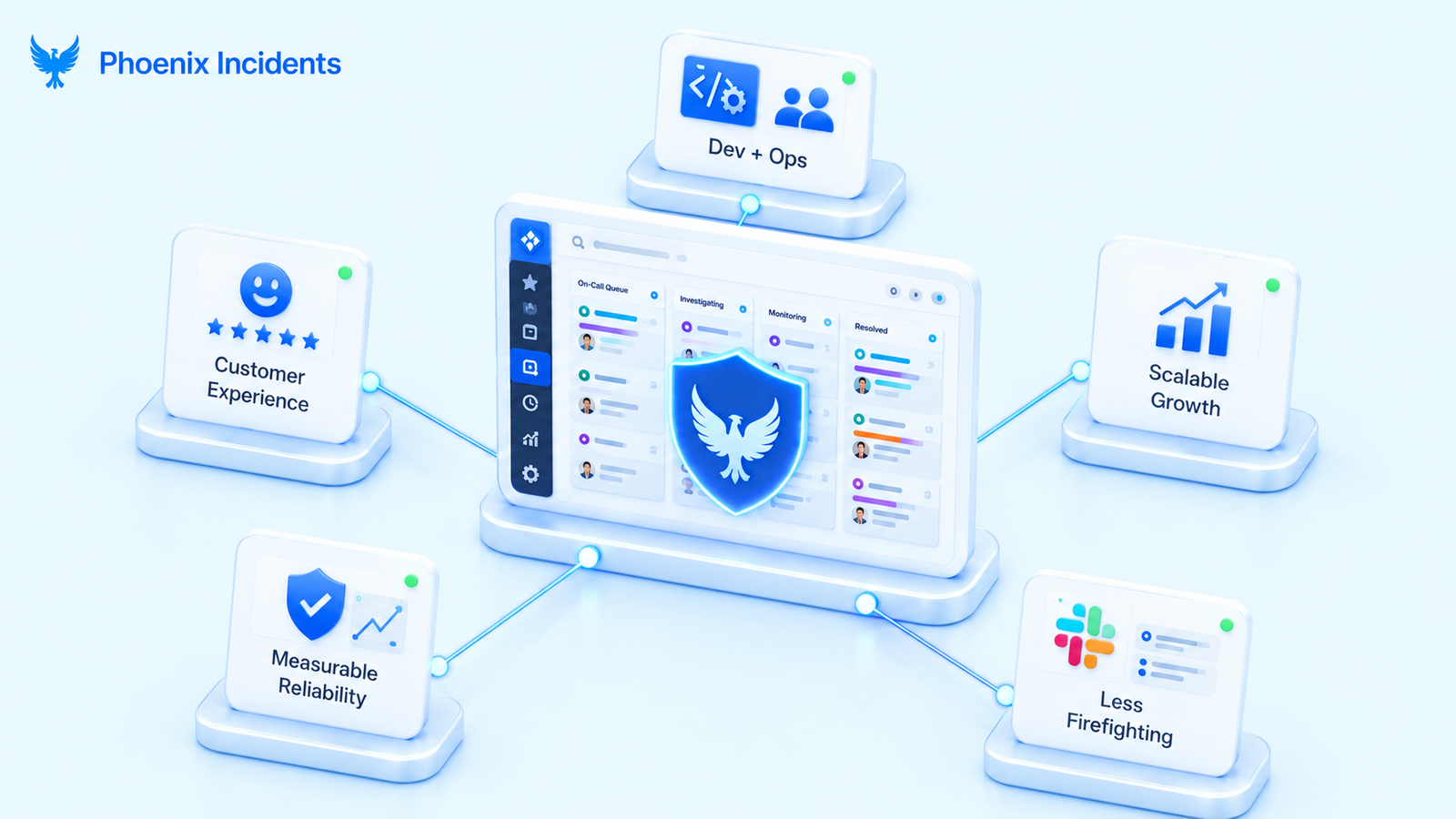
- Closes the divide between development and operations by giving both sides shared reliability goals and a common language instead of competing priorities.
- Protects the customer experience by catching problems through automated testing and monitoring before users ever run into them.
- Enables sustainable growth because automation lets systems scale without adding more people.
- Makes reliability measurable and predictable through service level objectives and error budgets, so leaders can plan around risk.
- Frees engineers from constant firefighting by reducing repetitive operational work, which leaves more time to fix root causes and build better tooling.
That last point compounds in a useful way. Better automation means fewer incidents, fewer incidents mean more time to improve the system, and a more reliable system generates even less manual work.
SRE vs. DevOps: What's the Difference?
Almost everyone new to the field asks this, and the short version is that the two are complementary rather than competing. The clearest way to see the relationship is side by side.
| Dimension | SRE | A broad culture and set of practices |
|---|---|---|
| What it is | A specific engineering implementation of reliability | A broad culture and set of practices |
| Primary focus | Operational reliability at scale | Collaboration and faster delivery across the lifecycle |
| Defines | The how, through concrete engineering practices | The what, through goals and philosophy |
| Key metrics | SLIs, SLOs, and error budgets | Deployment frequency, lead time, and MTTR |
| Approach | Prescriptive, with a dedicated role | Flexible and culture-led |
The simplest way to remember the two: DevOps says development and operations should collaborate and automate, and SRE shows you exactly how to do it with error budgets, defined service objectives, and data-driven calls on reliability.
You can think of SRE as a concrete implementation of DevOps ideals, which is why many organizations run a DevOps culture broadly and apply SRE practices specifically to the services that need to stay up.
The Core Principles of Site Reliability Engineering
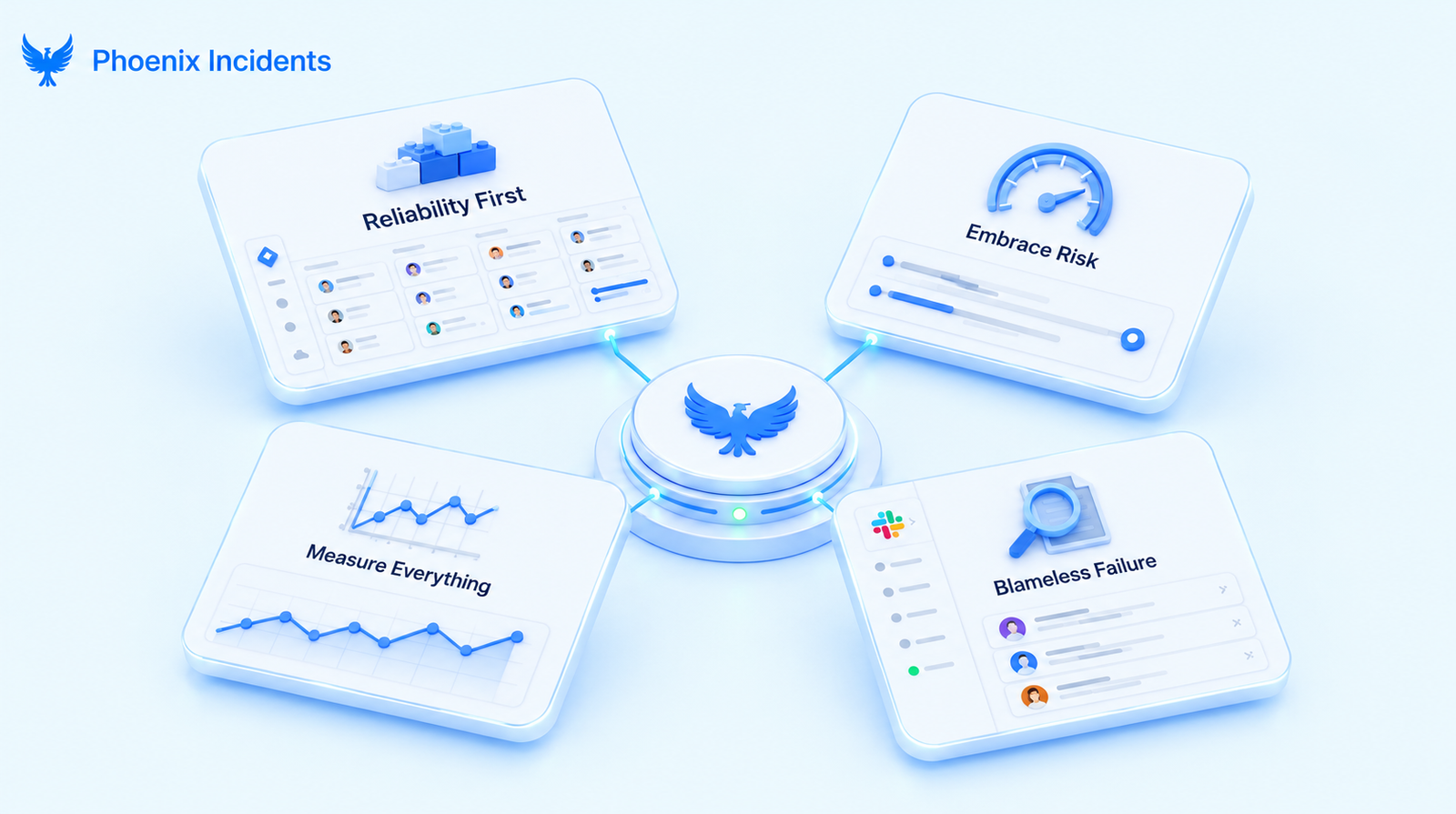
Now that we've explained what site reliability engineering is and how it differs from DevOps, let's look at the foundational principles that guide decision-making and daily actions.
- Reliability is a feature: It gets designed in your system from the start and earns the same planning and resources as anything else you build. A fast app that crashes often is worth less than a simpler one that works consistently.
- Embrace risk, because 100% uptime is impossible: Every system fails eventually, and the cost of chasing perfect reliability far outweighs the benefit. SREs determine an acceptable level of reliability (like 99.9% uptime) and use that as a guide. This frees teams to innovate and ship features rather than endlessly pursuing unattainable perfection.
- Measure everything and let data drive decisions: Every decision, whether to roll back a deployment, how much risk to take with a new feature, or where to invest engineering effort, should come from metrics on system behavior and user experience, not from instinct. This principle transforms reliability into something quantifiable and manageable.
- Failure is a learning opportunity, not a reason for blame: When systems fail (and they will), a part of SREs called incident management, focuses on understanding what went wrong and how to prevent repeats, not on finding someone to blame. That safety is what gets people to report problems early instead of hiding them.
- Eliminate Toil Through Automation: In SRE, "Toil" is the manual glue that keeps a system running but doesn't make it any better. It’s the repetitive, soul-crushing work, like manually clearing disk space or restarting a service, that grows every time you add a new user. If you're doing the same manual task twice a week, it’s not a task; it’s a bug in your process. SREs don't just "do" the work; they build systems to kill the work.
SRE Best Practices
If principles are the beliefs, practices are the techniques that put them to work. These are the concrete habits SRE teams build their days around.
1. Define Reliability with SLIs and SLOs
Before you can improve reliability, you have to define it precisely, and that starts with agreeing on what "reliable" even means for your service. SRE does this with a small set of related terms. They sound similar and the abbreviations blur together at first, so it helps to walk through them one at a time.
| Term | What it is | Example |
|---|---|---|
| SLI | Metric you measure that reflects the health of your service | Percentage of requests served in under 200ms |
| SLO | Your internal target for that metric | 99.9% of requests succeed |
| SLA | The contractual promise made to customers | 99.5% uptime, or service credits apply |
- SLI (Service Level Indicator): This is simply a number you measure that reflects the health of your service from a user's point of view. The percentage of requests that succeed without an error is an SLI. An SLI is just the raw measurement, nothing more.
- SLO (Service Level Objective): If your SLI is the percentage of successful requests, your SLO might be 99.9% of them succeeding. The SLO is the goal you hold yourself to internally, and it's what tells you whether the service is currently healthy or needs attention.
- SLA (Service Level Agreement): This is the contractual promise made to customers, and it usually comes with consequences if you break it, like refunds or service credits. The SLA is normally set looser than your internal SLO. You might promise customers 99.5% uptime in the SLA while holding your own team to 99.9% in the SLO, so there's a cushion between the target you aim for and the one you're contractually bound to.
The value here is concreteness. When your SLO is 99.9% and your current performance is 95.5%, you know exactly where you stand and what needs attention.
2. Use Error Budgets to Balance Speed and Stability
An error budget is the practical companion to your SLO. It defines exactly how much unreliability the business will tolerate, which makes it a kind of social contract between the people who want to ship and the people who want stability. If your target is 99.9% uptime, your budget is the remaining 0.1%, which works out to roughly 43 to 44 minutes of downtime per month.
The value is that it turns a tense argument into a simple decision:
- Budget left over? Teams can take risks and ship quickly.
- Budget running dry? Releases pause and focuses on reliability until it recovers.
No one has to win a debate, because the data already settled it.
3. Eliminate Toil Through Automation
Toil is the manual, repetitive work that keeps a system running but never improves it, the kind of task that grows right alongside your traffic. Things like clearing disk space manually, restarting a service manually, or provisioning through tickets all qualify. The test is simple.
Work is toil when it is:
- Manual, requiring a human to step in each time.
- Repetitive, the same actions over and over.
- Automatable, with no judgment a machine couldn't handle.
- Scaling with the service, growing as traffic grows.
SRE teams treat toil as something to engineer away rather than something to endure, which is why Google limits operations work at 50% of an SRE team's time. The hours you save automating a recurring task get reinvested into automating the next one, which is how the workload trends down instead of up.
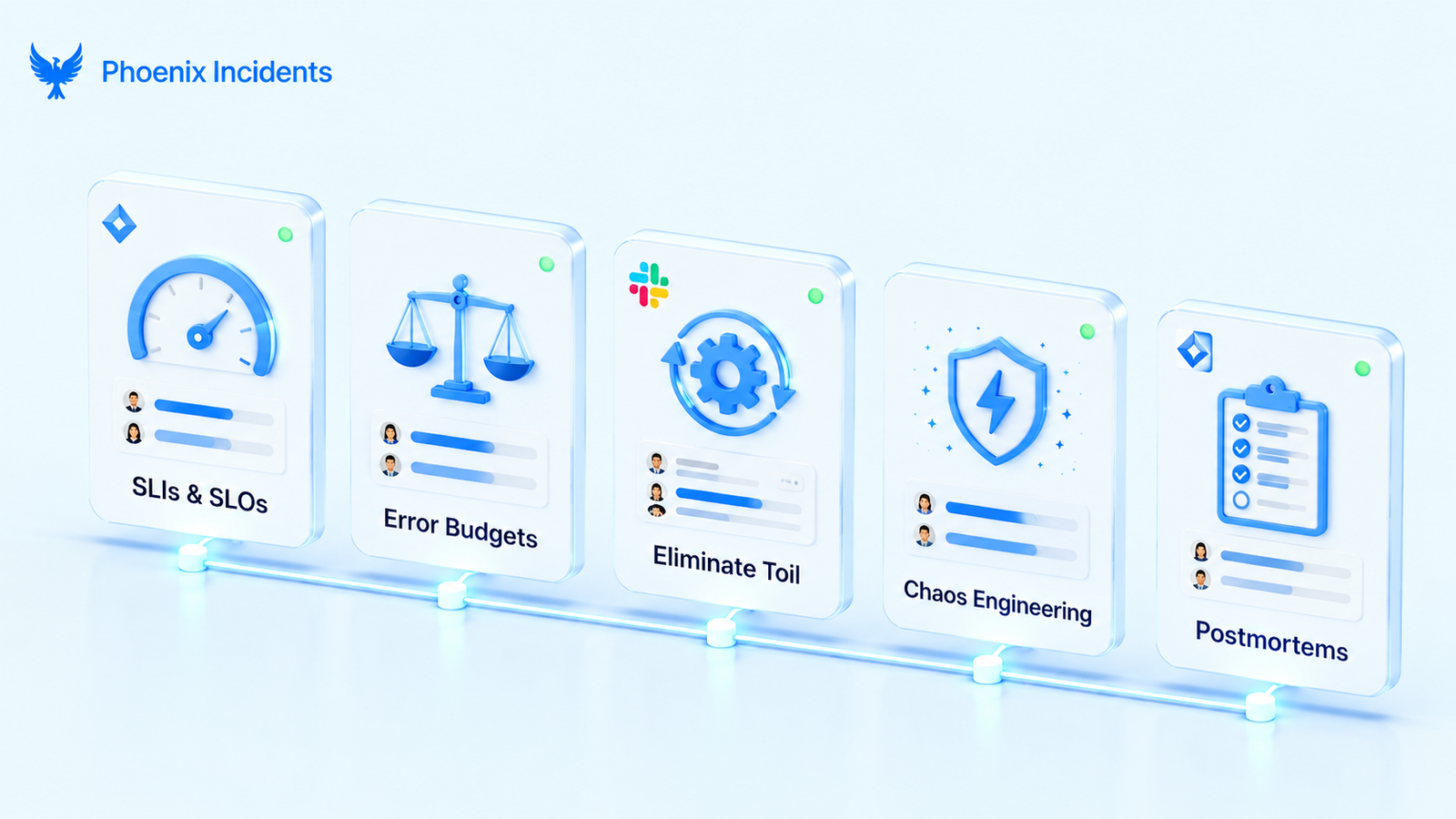
4. Practice Chaos Engineering
Rather than waiting for production to fail on its own schedule, some teams deliberately introduce controlled failures to test how the system holds up.
That might look like:
- Terminating instances at random.
- Injecting network latency.
- Simulating a database outage.
The key word is controlled. These experiments run under conditions the team watches and can stop, so the point is to surface weaknesses while everyone is prepared, instead of discovering them at 3am during a real outage.
5. Run Blameless Postmortems
When something goes wrong, SRE teams write up a structured review afterward. The blameless part is what makes it work: the goal is to understand what happened and how to prevent the class of failure, not to find someone to punish. That framing assumes people made reasonable decisions with the information they had, which is what keeps engineers honest about what actually occurred.
A good postmortem captures a clear, consistent set of details:
- A timeline of what happened and when.
- The impact on users and the business.
- The root cause, traced past the surface symptom.
- What worked, including the safeguards that kept it from being worse.
- Action items with named owners, so the follow-up actually gets done.
Written well and revisited often, these documents become organizational memory, and they are how a team gets stronger with each incident instead of repeating the same one.
6. Implement Monitoring and Alerting
You can’t fix what you can’t see, and you cannot understand a system's behavior without visibility into it. Effective monitoring tracks several layers at once:
- System health metrics like CPU, memory, and disk usage.
- Application performance such as response times, error rates, and throughput.
- Business metrics like signups and completed transactions.
- Dependencies including databases, external APIs, and downstream services.
The aim is to learn about a problem from your instrumentation before you learn about it from your users.
Monitoring vs. Observability in SRE
These two terms get used interchangeably, but they answer different questions. Monitoring tells you that something is wrong by tracking known problems against predefined metrics. Observability helps you understand why it’s wrong by letting you explore a system's internal state from the data it produces, including questions you didn’t know to ask in advance.
The Three Pillars of Observability
Observability rests on three kinds of signals, and a system that produces all three is far easier to debug under pressure:
- Metrics: numeric measurements over time, like request rate or error percentage, good for spotting that something changed.
- Logs: timestamped records of discrete events, good for reconstructing exactly what happened during an incident.
- Traces: the path of a single request as it moves across services, good for finding where latency or failure actually originates.
Common SRE Tools
SRE teams lean on a few categories of tooling to cover monitoring, observability, and incident response. The specific products vary, but the categories are consistent.
| Category | What it does | Example tools |
|---|---|---|
| Monitoring & alerting | Track system health and notify teams when something breaks | Datadog, New Relic, Grafana, Prometheus |
| Logging | Collect and search application and system logs | ELK Stack, Splunk |
| Configuration management | Keep environments consistent and reproducible | Ansible, Chef, Puppet, Terraform |
| Incident management | Coordinate on-call, alerts, and response workflows | Phoenix Incidents |
A common starting stack pairs Prometheus and Grafana for monitoring, a paging tool for alerting, and infrastructure as code through Terraform, then adds more specialized tooling as the team matures.
Running Incidents in the Tools You Already Use
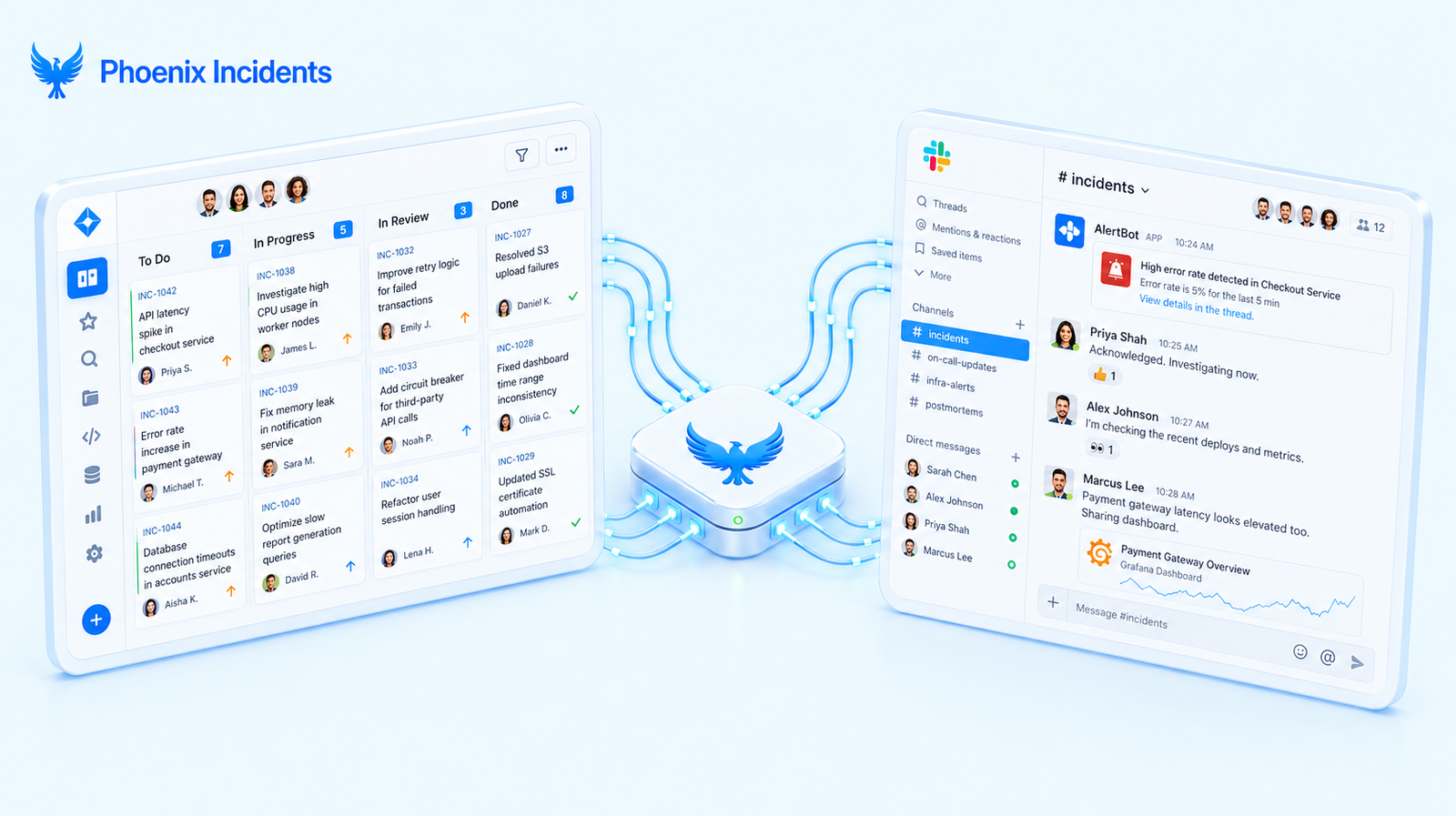
Most guides explain what good reliability looks like on a whiteboard. The harder part is making it real during an incident, when context is scattered across dashboards, chat threads, and tickets, and attention is in short supply. Plenty of capable teams struggle here, not because they lack monitoring, but because the coordination work lives in the gaps between their tools.
That gap is where Phoenix Incidents fits. It takes the hesitation out of early escalation, coordinates the response directly inside Slack and Jira, and holds the team to a clear process when the pressure is highest. Once things are resolved, it makes sure the post-incident review turns into tracked, owned action items rather than tickets that quietly rot in a backlog.
It helps to be clear about what Phoenix Incidents does not try to be, because the honesty is the point:
- It does not replace monitoring or observability: You still need those to see why things are breaking.
- It does not replace your paging platform: You still need that to wake the right people up.
- It does not replace your communication tools: You still need those to talk to your team.
What it provides instead is the connective tissue where human coordination happens. Detection tells you something is wrong, and Phoenix Incidents helps your team respond, learn, and improve in a consistent way every time.
For engineering leaders, it turns raw incident activity into usable signals like MTTA and SLA performance, which makes reliability visible and improvable rather than a vague hope. For an SRE team, that consistency is the difference between reliability as a theory and reliability as something users actually feel.
Getting Started with SRE
Site Reliability Engineering comes down to a single shift in mindset: treat reliability as an engineering discipline you can measure and improve, not a hope you carry into every deployment. The principles give you the beliefs, the practices give you the techniques, and the tooling gives you the leverage. The part that decides whether any of it sticks is what happens during the incident itself, where coordination either holds together or falls apart.
That is the piece Phoenix Incidents is built to handle, coordinating incident response inside the Jira and Slack your team already lives in, and turning each incident into something you learn from.
Get started with Phoenix Incidents and make reliability a lived reality for your team.
Frequently Asked Questions
1. What does a site reliability engineer do?
An SRE keeps production systems reliable by treating operations as a software problem. Day to day, that means writing automation, defining and tracking service level objectives, responding to incidents, running postmortems, and reducing the manual work that would otherwise scale with the system. A large share of their time is meant to go to engineering, not firefighting.
2. Is SRE the same as DevOps?
No, though they share goals and work well together. DevOps is a broad culture focused on collaboration and faster delivery across the software lifecycle. SRE is a more prescriptive engineering practice with a dedicated role and concrete mechanisms like error budgets and SLOs. A useful shorthand is that DevOps defines the what and SRE defines the how.
3. What are SLIs, SLOs, and SLAs?
An SLI is the metric you measure, such as the percentage of requests served under 200 milliseconds. An SLO is your internal target for that metric, like 99.9% success. An SLA is the contractual promise you make to customers, often with penalties such as service credits if you miss it. SLIs feed SLOs, and SLOs are usually set tighter than the SLA so you have a safety margin.
4. What skills do you need to become an SRE?
SRE sits at the intersection of software engineering and operations, so coding ability is the foundation, usually in a language like Python or Go. On top of that, strong SREs understand Linux internals, networking, distributed systems, and infrastructure as code with tools like Terraform and Kubernetes. Calm problem-solving under pressure matters just as much as the technical depth.
5. Do small teams need SRE?
Small teams rarely need a dedicated SRE role, but they benefit from SRE principles early. Setting a couple of meaningful SLOs, automating the most painful manual tasks, and writing blameless postmortems all pay off well before you can justify a full team. Building those habits proactively is far easier than retrofitting them after outages start hurting the business.