Best Incident Management Tools for Engineering Teams in 2026

There are more incident management tools than ever. That’s part of the problem. Every engineer has a version of this story: an alert fires, people struggle to find context, Slack channels multiply, and questions start flying.
The right incident management tool prevents those questions from needing to be asked at all. It creates structure, assigns ownership, handles communication, and captures everything your team needs for the post-mortem automatically, without adding cognitive load to engineers who are already under pressure.
Finding that tool is harder than it should be in 2026. The incident management software market is growing at 12.3% CAGR, with AI adoption accelerating and new platforms entering the space regularly.
Some tools are primarily alert routers; others are full incident lifecycle platforms. Some demand a new ecosystem entirely, while others embed into what your team already uses.
This guide breaks down the six tools engineering teams most commonly evaluate, what each one is actually built for, and how to figure out which fits your team before you commit.
What to Look For Before You Evaluate Any Tool
Before comparing tools, define your criteria. The features that matter for a 50-person DevOps team look different from those that matter for a 10-engineer start up or a 500-person organization. Here’s a framework that will prove helpful:
| Evaluation Criterion | What to Ask | Red Flag | |||
|---|---|---|---|---|---|
| Full lifecycle support | Does the tool cover before (detection/routing), during (coordination/communication), and after (PIR/action items)? | Tool only handles alerting and has no PIR or action item workflow | |||
| Integration with existing stack | Does it live inside our current tools or add a new interface? | Engineers must log into a separate system during an active incident | |||
| Process enforcement | Does the tool enforce the right steps, or just document them? | Workflow relies on engineers remembering to follow it under stress | |||
| Post-incident learning | Does it auto-generate timelines, guide structured PIRs, and track action items as real work items? | PIR is a free-form doc; action items have no tracking in engineering workflow | |||
| Pricing transparency | What is the full cost including on-call add-ons, AI features, status pages, and API access? | Low headline price with significant add-on costs at realistic usage | |||
| Adoption friction | How long until a new on-call engineer is fully operational? | Requires days of training or a separate platform login to use effectively |
Teams switching to Slack-native platforms have reported 30–60% cost savings and MTTR reductions up to 80%. The coordination tax of context-switching between tools costs teams roughly 15 minutes per incident. That’s 15 minutes you pay on every single incident.
Side-by-Side Comparison: 6 Tools at a Glance
| Features | PagerDuty | incident.io | Rootly | FireHydrant | Jira Service Management | Phoenix Incidents | |||
|---|---|---|---|---|---|---|---|---|---|
| Jira-native | Integration only | Integration only | Integration only | Integration only | Native (tracking) | Fully native | |||
| Slack-native | Partial | Yes | Yes | Yes | Partial | Yes | |||
| On-call scheduling | Robust (included) | Bundled | Add-on cost | Yes | Limited | Yes | |||
| Automated post-mortem | Basic | Strong | Strong | Yes | Basic | AI-supported | |||
| Action item tracking | Manual | Task-based | Task-based | Task-based | Jira tickets | Linked Jira issues | |||
| No new tool required | New system | New system | New system | New system | Partial | Already in Jira | |||
| Pricing model | Per user | Per user | Per user | Annual flat fee | Per agent | Free trial available | |||
| Best team size | Enterprise | Mid-market | Mid-large | Startup–mid | Any (Atlassian) | Any (Jira teams) |
The 6 Best Incident Management Tools Most Engineering Teams Use
1. PagerDuty
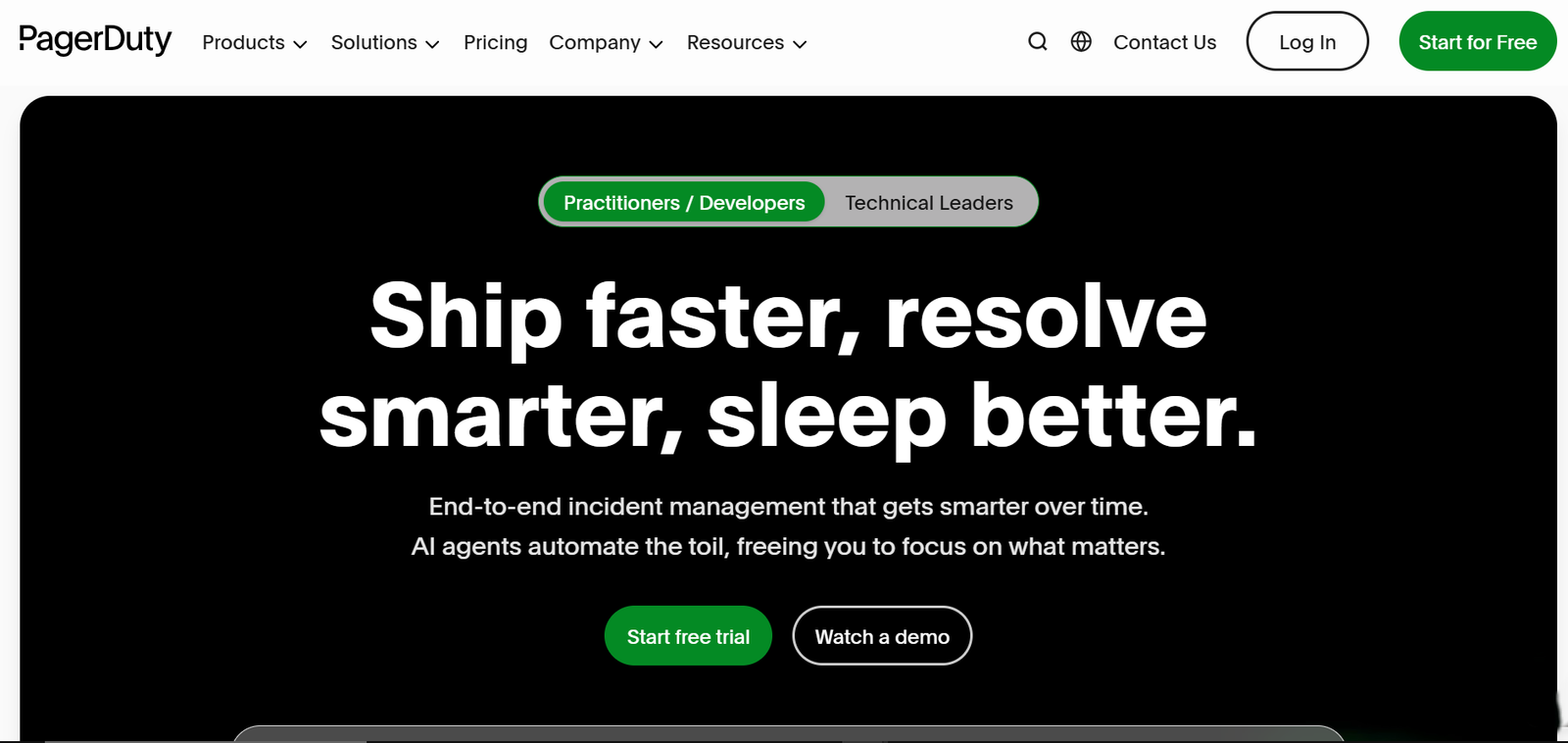
Best for: Large organizations with traditional IT operations, compliance-heavy environments, and teams already deeply embedded in ITIL workflows.
PagerDuty is one of the most recognized names in incident management and has been the default choice for enterprise IT departments for over a decade. Its on-call scheduling engine is wide-ranging, its alert routing is battle-tested, and its integration library is extensive, with over 700 integrations across monitoring, ticketing, and communication tools. See PagerDuty’s platform overview for current feature detail.
PagerDuty works well for large IT departments entrenched in ITIL processes, but for modern engineering teams, its cost and complexity can outweigh the benefits. It starts at $9/user/month on the Essentials plan, though AI features and post-incident capabilities are limited compared to modern purpose-built platforms.
What it does well: Multi-channel alerting, on-call scheduling, enterprise compliance features, deep integration library.
Where it falls short: Expensive at scale, limited incident coordination beyond alerting, slower UX than modern alternatives, and AI features are basic compared to newer platforms.
Pricing: From $9/user/month (Essentials) to enterprise custom pricing.
Consider this If: You're a large enterprise with existing PagerDuty workflows, compliance requirements, and dedicated ops staff to manage it.
2. incident.io
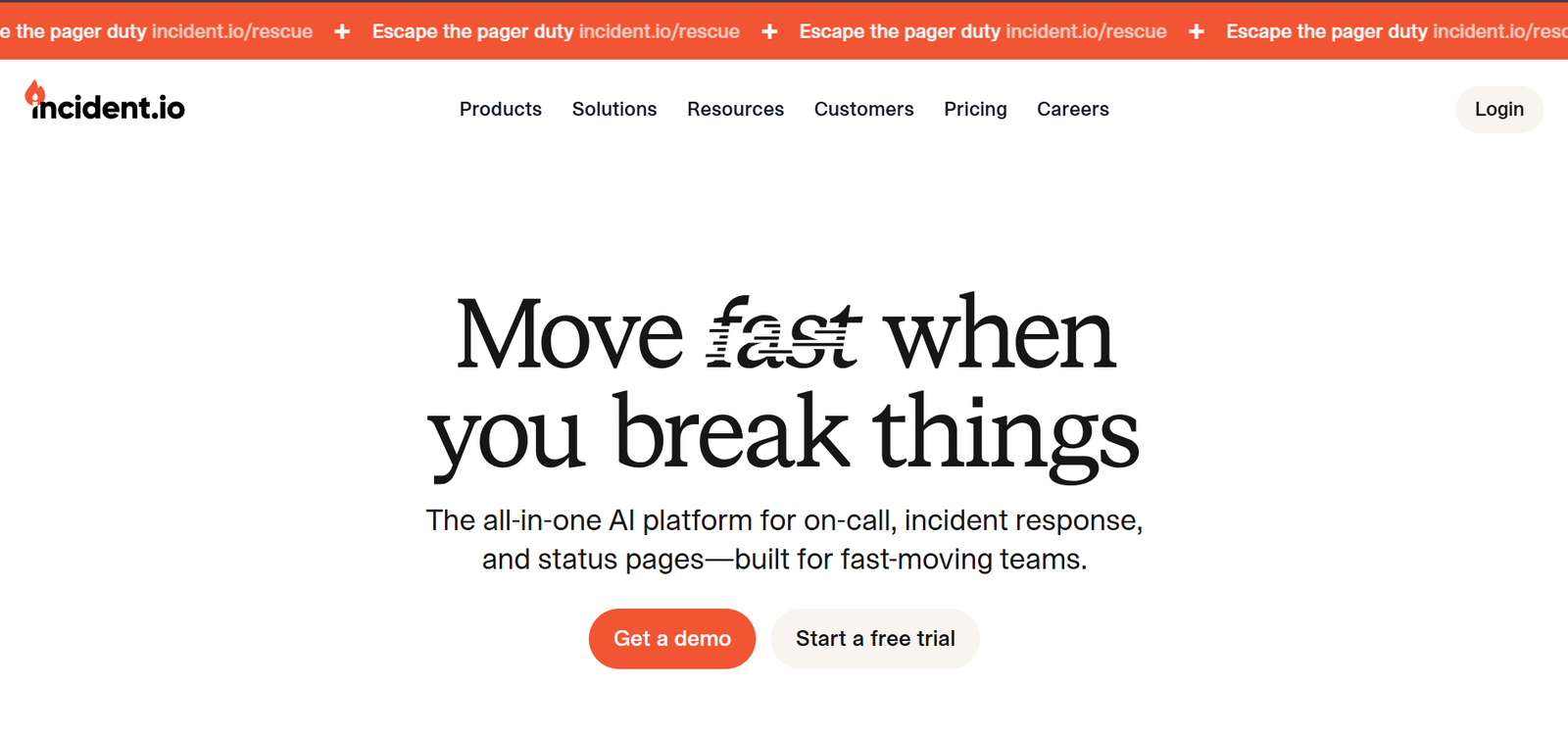
Best for: Engineering teams heavily reliant on Slack for communication, mid-market SaaS companies, and teams looking for an end-to-end Slack-native platform.
incident.io was built from the ground up for the way modern engineering teams actually work: in Slack, moving fast, and needing structure without hassle. It handles alert routing, on-call scheduling, status pages, and post-mortem generation in a single platform.
Its five core capabilities are AI-powered investigation, integrated on-call scheduling with intelligent routing, Slack/Teams workflows for chat-native response, built-in status pages for public and private communications, and automated post-incident insights with follow-up tracking.
Where incident.io shines is the post-mortem experience: structured flows with assigned tasks and deadlines, and escalation policies using an intuitive flowchart style to route alerts based on conditions like working hours or priority. The Team plan at $25/user/month bundles on-call scheduling, status pages, and post-mortem generation, features that cost extra with other vendors.
Its only limitation is this: incident.io is fundamentally Slack-first. For teams that don't run primarily in Slack, or teams that use Jira as their system of record and want incident tracking embedded there rather than in a parallel platform, incident.io requires a meaningful workflow change.
What it does well: Slack-native incident management, clean post-mortem workflow, bundled pricing, strong AI features, good for fast-moving SaaS teams.
Where it falls short: Requires Slack as the primary workflow platform. Not natively embedded in Jira. Adds a new system to the stack for Jira-centric teams.
Pricing: from $25/user/month (Team), enterprise custom.
Consider this if: your team works primarily in Slack and wants a modern, all-in-one incident management platform without relying on Jira as the system of record.
3. Rootly
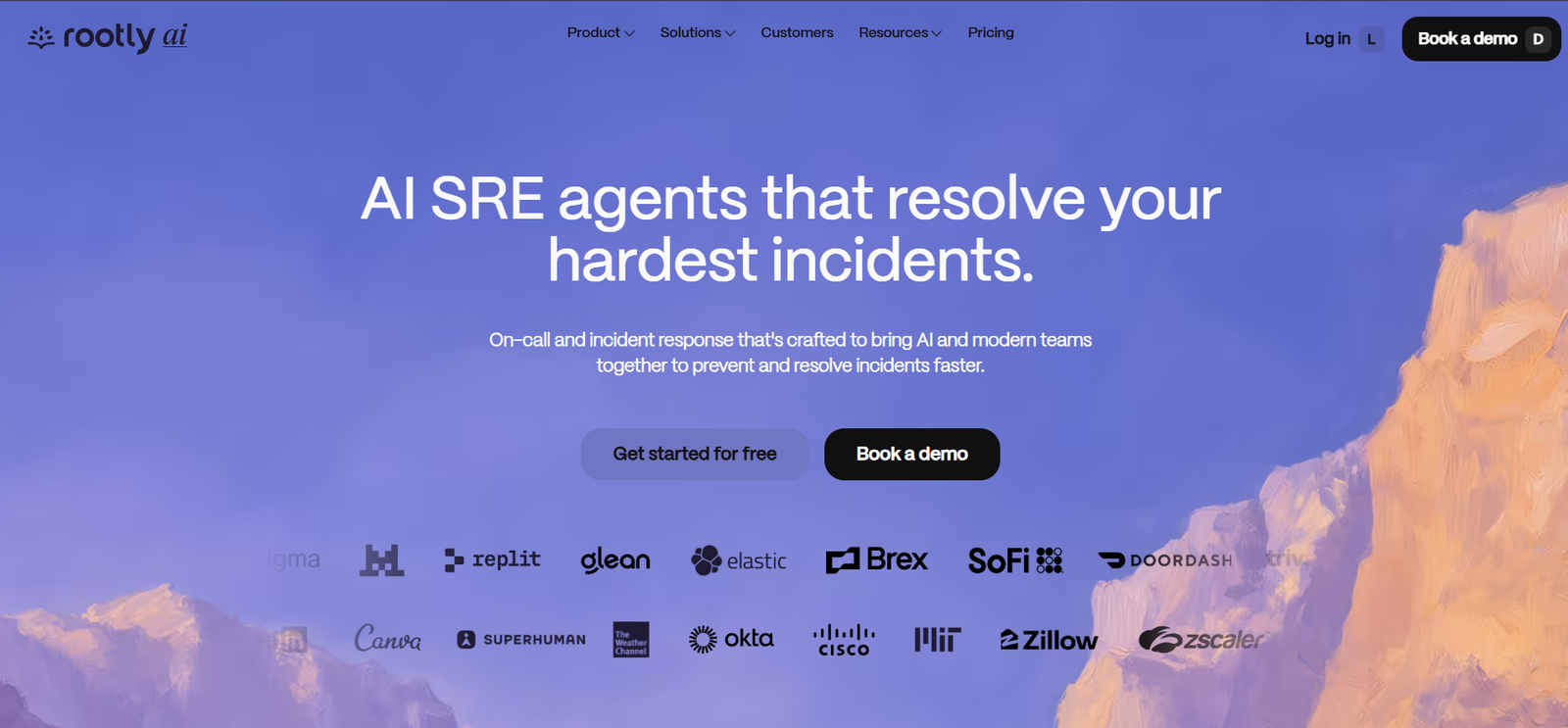
Best for: Mid-to-large engineering teams (50–500 engineers) that want deep workflow automation and are primarily Slack-based.
Rootly positions itself as the workflow automation specialist of incident management. Its workflow engine allows teams to build complex, conditional logic for incident handling without writing code. Its API-first design offers extensive programmatic control for teams wanting to build custom integrations. AI-native alert filtering intelligently groups and prioritizes alerts, reducing noise before it reaches on-call engineers.
Where Rootly stands out is the depth of its automation customization. Teams with difficult, multi-team incident processes and conditional escalation logic can configure Rootly's workflow builder to handle nearly any scenario without engineering involvement.
Like incident.io, Rootly is Slack-native. Jira integration exists but it's an add-on.
What it does well: Deep workflow automation, conditional escalation logic, strong AI alert filtering, API-first for custom integrations.
Where it falls short: Configuration overhead, Slack-native (not Jira-native), on-call scheduling costs extra on lower tiers.
Pricing: Free trial available; enterprise custom pricing. On-call scheduling adds ~$20/user/month on lower tiers.
Consider this if: You have a large engineering org with complex, multi-team incident workflows and the SRE resources to configure and maintain deep automation.
4. FireHydrant
Best for: Growing startups and mid-market teams that want incident automation with strong service catalog and runbook features.
FireHydrant focuses on defining, supporting, and automating incident response processes. It caters specifically to growing startups, with a focus on streamlining incident response through ChatOps. The tool gathers all incident details and communication in one place on your chat platform, making collaboration transparent and efficient. You can create and share runbooks directly within FireHydrant, providing clear instructions for resolving recurring incidents.
FireHydrant acquired Blameless in August 2024, which added more mature post-mortem and reliability tracking capabilities to the platform. Its service catalog feature is particularly strong, mapping services to owners and routing policies in a way that reduces the "who owns this?" problem during active incidents.
The UX is generally praised, though the fast development pace can sometimes introduce bugs or disrupt existing functionality, requiring teams to adapt.
Pricing is notably different from the per-user model: FireHydrant provides a single incident management plan at $6,000 annually, with no monthly payment option available, plus enterprise custom pricing. For smaller teams, this flat annual fee may actually be more affordable than per-user alternatives at scale.
What it does well: Service catalogue, runbook automation, ChatOps-native workflow, strong for growing start ups, Blameless acquisition added post-mortem depth.
Where it falls short: Annual-only pricing with no monthly option, fast development pace can cause instability, not Jira-native.
Pricing: $6,000/year for the Pro plan, enterprise custom.
Consider this if: You're a growing startup or mid-market team that wants solid runbook and service catalog automation without committing to a complex per-user model.
5. Jira Service Management (JSM)
Best for: Organizations already running deeply on the Atlassian stack (Jira, Confluence, Bitbucket) who want incident tracking embedded in their existing tools.
Jira Service Management is Atlassian's native ITSM platform, and its incident management module lives inside the same ecosystem where most engineering teams already track work. JSM offers customizable automation workflows that integrate with existing systems, allowing teams to not only identify and alert to incidents but also initiate predefined responses automatically, ensuring both time savings and response consistency. For organizations in regulated industries, JSM includes audit trails and compliance reporting.
JSM's advantage is the Atlassian ecosystem: incidents, problems, changes, and work items all live in Jira. For teams that want a single system of record, this is a real operational simplification.
The limitation is depth in actual incident response. JSM is excellent at tracking and ticketing, but it wasn't purpose-built for the real-time coordination, on-call management, and Slack-native workflows that modern DevOps and SRE teams need during a live P1. It's a strong foundation that needs augmentation for incident response specifically.
It's also worth noting: Atlassian ended new sales for Opsgenie on June 4, 2025, and has scheduled a complete shutdown in April 2027, directing users to JSM. Teams currently on Opsgenie need to evaluate their migration path now.
What it does well: Deep Atlassian ecosystem integration, compliance and audit trail features, unified work tracking across incident, problem, and change management.
Where it falls short: Not purpose-built for real-time incident coordination, limited on-call scheduling compared to dedicated tools, post-incident review workflow is basic without additional tooling.
Pricing: Free tier for small teams; paid plans from $17.65/agent/month (Standard) to $44.27/agent/month (Premium).
Consider this if: Your engineering team is deeply embedded in the Atlassian ecosystem and wants incident tracking integrated with your existing Jira workflows, with the understanding that you may need additional tooling for real-time response coordination.
6. Phoenix Incidents
Best for: Engineering and DevOps teams already working in Jira and Slack who want the full incident lifecycle managed natively, without adding a new tool or a new workflow.
Phoenix Incidents is purpose-built for teams that already live in Jira. It's an incident management platform that runs entirely within the Jira and Slack environment your engineers use every day, not integrated with Jira, but native to it. There's no new system to learn and no context switching during a live incident.
Here's what that means in practice:
Before the incident: Runbooks, escalation paths, and severity definitions are configured inside Jira. On-call assignments are linked to Jira service ownership. Engineers know exactly what to do before an alert fires.
During the incident: A dedicated Slack channel is created automatically. The Incident Commander is assigned. Stakeholder update reminders trigger on a cadence. All communication stays in one channel. The timeline is captured as it happens. Jira is updated in real time as the single source of truth for the incident record.
After the incident: The post-mortem workflow opens automatically with the timeline pre-populated. Structured Five Whys guides root cause analysis. Every action item becomes a tracked Jira issue linked to the post-mortem, with a named owner, a due date, and visibility in the team's normal sprint workflow. Incidents don't close until the remediation risk is mitigated.
What it does well: Natively Jira-based (not just integrated), automated process enforcement, structured Five Whys post-mortem, action items as tracked Jira work items, zero context switching for Jira teams, AI-supported root cause analysis.
Where it fits best: Engineering teams of any size running Jira and Slack who want structured incident management without expanding their tooling footprint.
Pricing: Free trial available — start here.
How to Make Your Decision
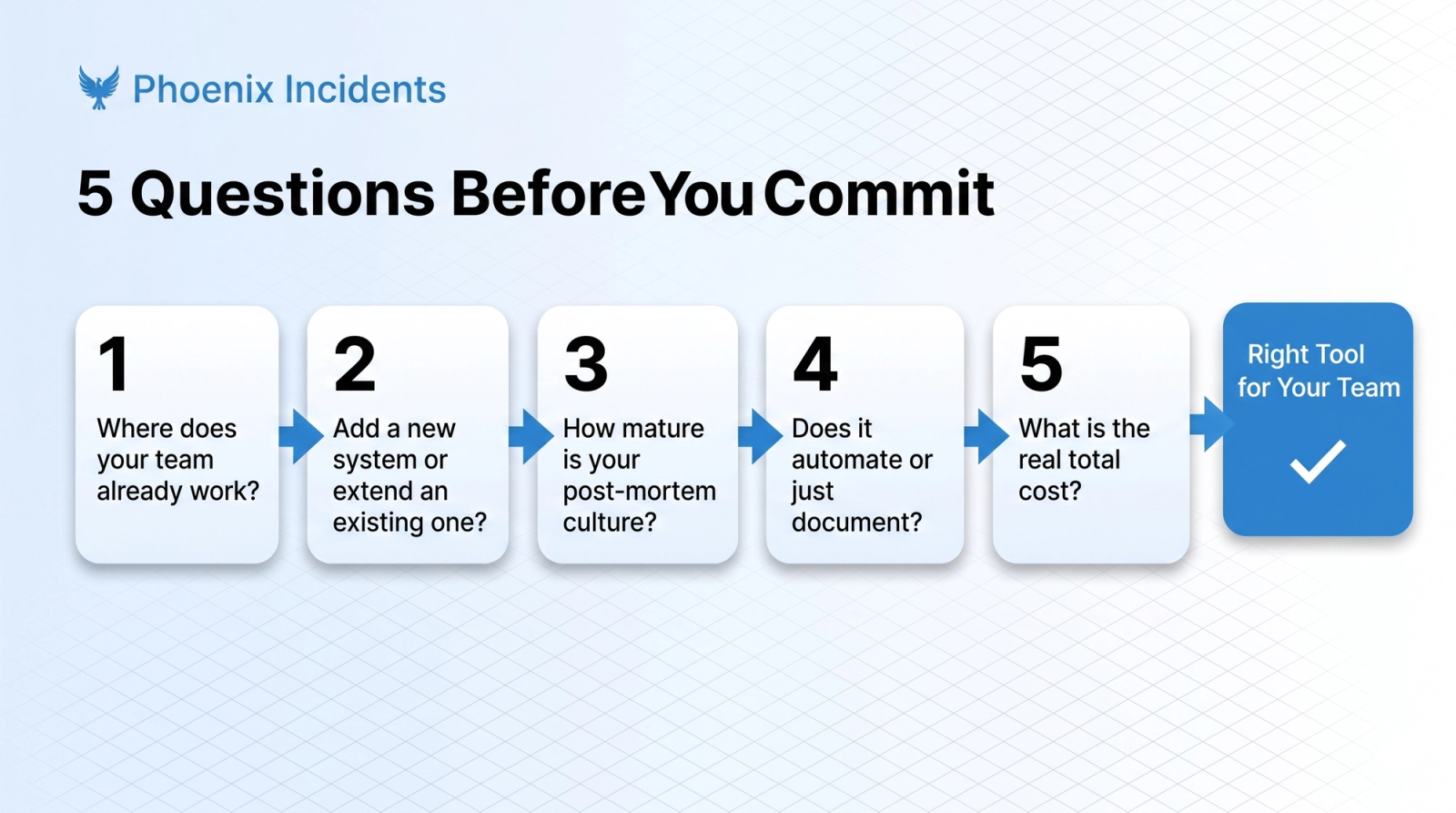
Use this checklist when you’re narrowing down. The right tool is the one your team will actually use consistently, not the one with the most features on paper.
- Where does your team already do their work? If the answer is Jira, start with JSM or Phoenix Incidents. If the answer is primarily Slack, look at incident.io or Rootly first.
- Do you need to add a new system, or extend an existing one? Adding new systems increases adoption risk, especially for on-call engineers who are already managing multiple tools. If your goal is to reduce context switching, not add to it, that narrows the field significantly.
- What's your post-mortem culture like today? If post-mortems are inconsistent or surface-level, you need a tool with structured, guided post-incident workflows, not just a doc template. Look for built-in Five Whys, auto-generated timelines, and action item tracking that creates real Jira work items, not a to-do list in a document.
- What does the tool actually automate versus document? There's a meaningful difference between a tool that helps you follow a process and one that enforces it. When process adherence relies on memory under stress, it breaks. When it's automated by the tool, it doesn't.
- What's the total cost? Add up the base license, on-call scheduling add-ons, status page fees, AI features, and API access. Many tools that appear affordable at headline pricing become significantly more expensive once add-ons are included, teams have seen 30–60% savings by switching to platforms with bundled pricing.
One More Thing Worth Knowing: Opsgenie Is Shutting Down
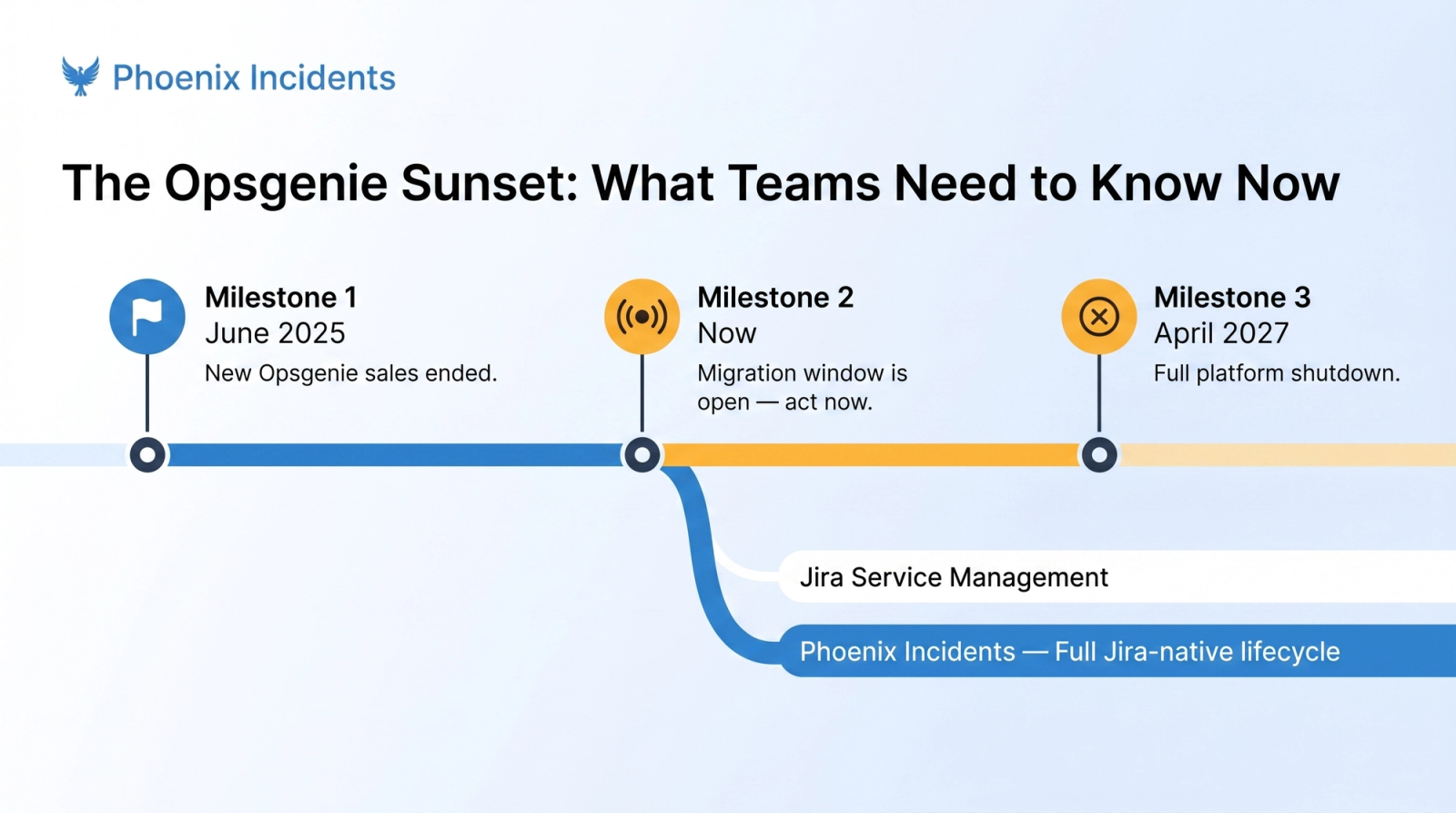
If your team is currently on Opsgenie, this decision is urgent. Atlassian ended new Opsgenie sales on June 4, 2025, with a full platform shutdown scheduled for April 2027. That’s not a lot of runway, and migrations take longer than expected when you factor in on-call configuration, runbook migration, and workflow rebuilding.
Atlassian is directing Opsgenie users toward Jira Service Management. That’s a reasonable default for teams already on Atlassian, but JSM’s incident coordination depth is limited for DevOps and SRE use cases.
For teams that want purpose-built incident management that remains natively in Jira, without the limitations of JSM’s response workflow, Phoenix Incidents is worth evaluating as part of your migration plan.
Which Tool Is Right for Your Team?
| If this describes you... | Recommended tool | |||
|---|---|---|---|---|
| Large enterprise with dedicated ops staff, compliance requirements, and existing investment | PagerDuty | |||
| Mid-market SaaS team living in Slack, wanting end-to-end modern incident management | incident.io | |||
| Large org with complex multi-team workflows and SRE resources to configure automation | Rootly | |||
| Growing startup wanting structured runbooks and flat-fee pricing | FireHydrant | |||
| Deeply Atlassian-embedded team wanting unified work tracking with augmented response tooling | Jira Service Management + Phoenix Incidents | |||
| Any team running Jira and Slack, wanting full incident lifecycle without a new tool | Phoenix Incidents |
Frequently Asked Questions
1. What is the difference between an incident management tool and an alerting tool?
An alerting tool notifies the right person when an issue occurs. An incident management tool handles the entire incident lifecycle, including alerting, coordination, communication, post-mortems, and action item tracking.
2. Is PagerDuty worth it in 2026?
Yes, for large enterprises with complex on-call and compliance needs. For many DevOps and SRE teams, newer alternatives offer similar capabilities, better user experience, and lower costs.
3. What is happening to Opsgenie?
Atlassian stopped new Opsgenie sales in June 2025 and plans to shut down the platform in April 2027. Teams should begin evaluating migration options now.
4. Why is Jira integration important for incident management?
Jira integration keeps incidents, post-mortems, and action items connected to your engineering workflow. This creates a single source of truth and improves follow-through on remediation work.
5. How long does it take to implement an incident management tool?
Implementation can take anywhere from a few days to several weeks. The timeline depends on the tool, team size, and workflow complexity.
6. What should an incident post-mortem include?
A strong post-mortem includes a timeline, root cause analysis, corrective actions, assigned owners, and due dates for follow-up work.
7. How do you calculate the total cost of an incident management tool?
Add the base subscription cost plus on-call scheduling, status pages, AI features, API access, and support fees. Always calculate costs based on your actual team size and usage.